Your photo. More possibilities.

Image to Cartoon AI

A familiar face. A playful new look.

Use Image to Cartoon AI to redraw a portrait, a pet or a family moment in a style you can see before choosing. Start with your photo, pick a look and compare the result in the same workspace.

Checking free preview availability…

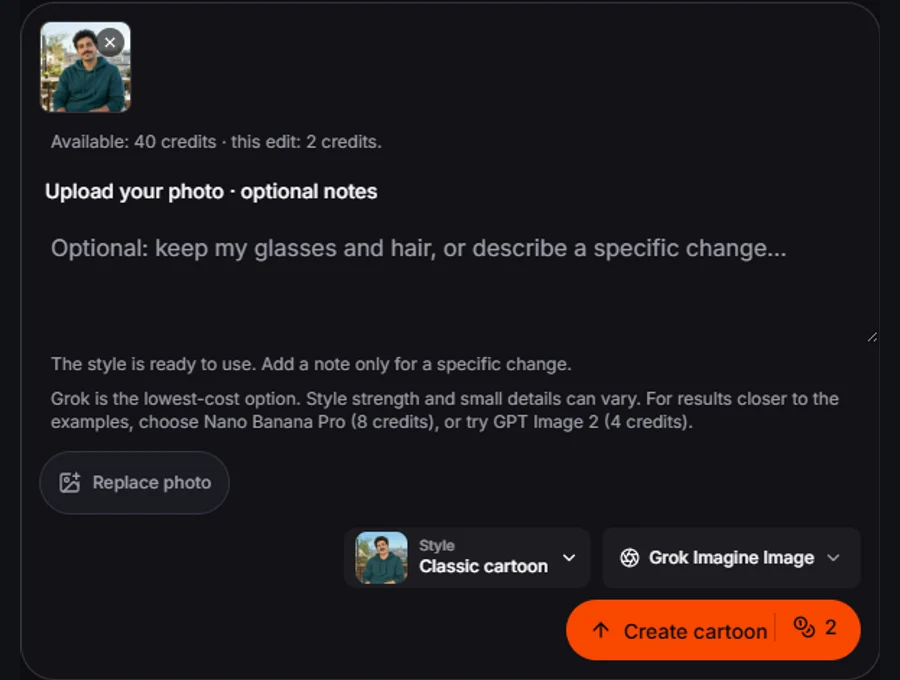
Register. Your current photo and notes stay here.

The style is ready to use. Add a note only for a specific change.Grok is the lowest-cost option. Style strength and small details can vary. For results closer to the examples, choose Nano Banana Pro (8 credits), or try GPT Image 2 (4 credits).

One image · 1K · private uploads

Examples use Nano Banana Pro. “Use this setup” loads its 8-credit settings; the model menu and final button show the cost before you generate.

Same reference. A useful choice.

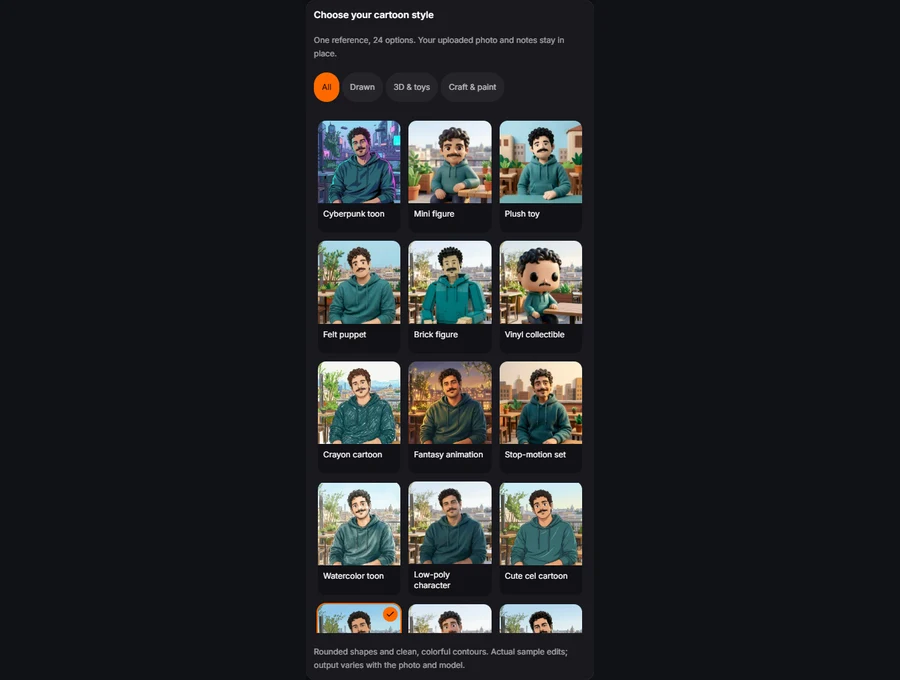
Image to Cartoon AI: 24 looks, one familiar subject

A cartoon filter can change the mood without making a useful character. These twenty-four previews share one source portrait, so you can compare the treatment of curls, moustache, facial proportions and color. Choose the shape language you want, rather than guessing from a style name. Selecting a preview costs nothing; your model and the final button show the generation price.

Actual edits of one synthetic portrait. Your chosen model and source photo can produce a different interpretation.

Image to Cartoon AI examples: compare what changes

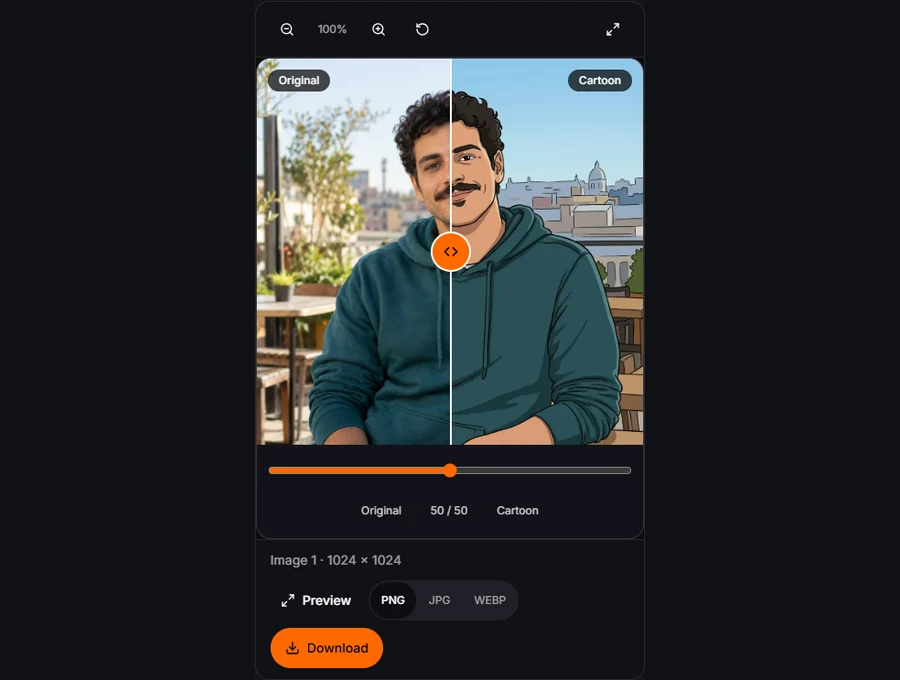
Drag each comparison to inspect the subject, not just the overall effect. These are recorded edits of synthetic photo references, not customer submissions. Loading an example prepares the photo and settings; it does not generate automatically.

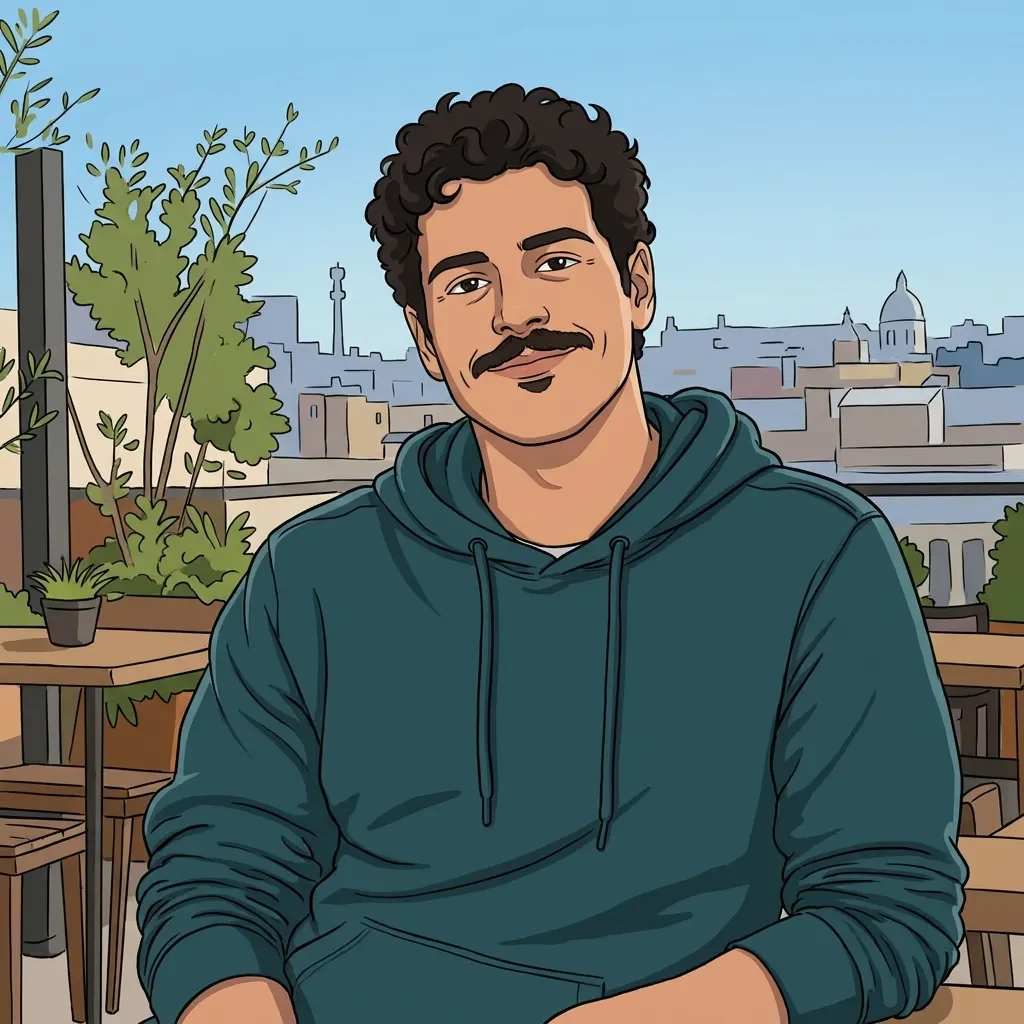
Classic cartoon result for the portrait
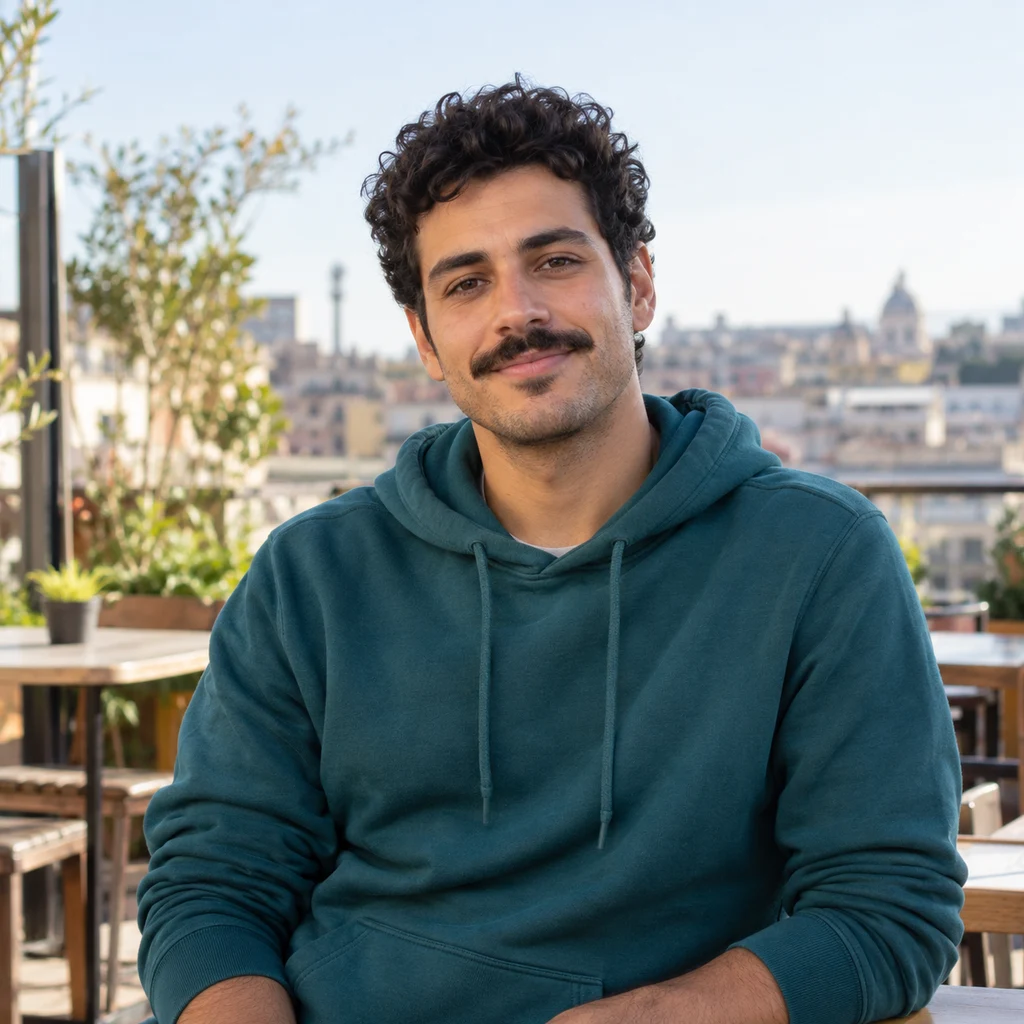
Synthetic portrait photograph before conversion
OriginalCartoon

Classic cartoon

An avatar that still belongs to you

Start with the curls, moustache, hoodie color, expression and angle of the head. Those relationships make a cartoon avatar recognizable even when the skin becomes flat color. For a profile picture, leave room around the head and check the small circular crop in the app where you will use it. The editor returns a full raster image; it does not automatically publish or replace your profile photo. A clear result at large size may need a tighter crop for a tiny social icon.

Make it useful
A profile illustration that keeps the curls, moustache and hoodie recognizable.
Start with
Use Classic cartoon with the complete reference. The sample uses Nano at the shown 8-credit settings; select another model before generating if preferred.
Inspect
Compare head angle, hair silhouette, moustache and clothing color before judging the surface texture.
Try next
If the look is too subtle, try a more graphic preset or a different model. A second generation has its own displayed cost.
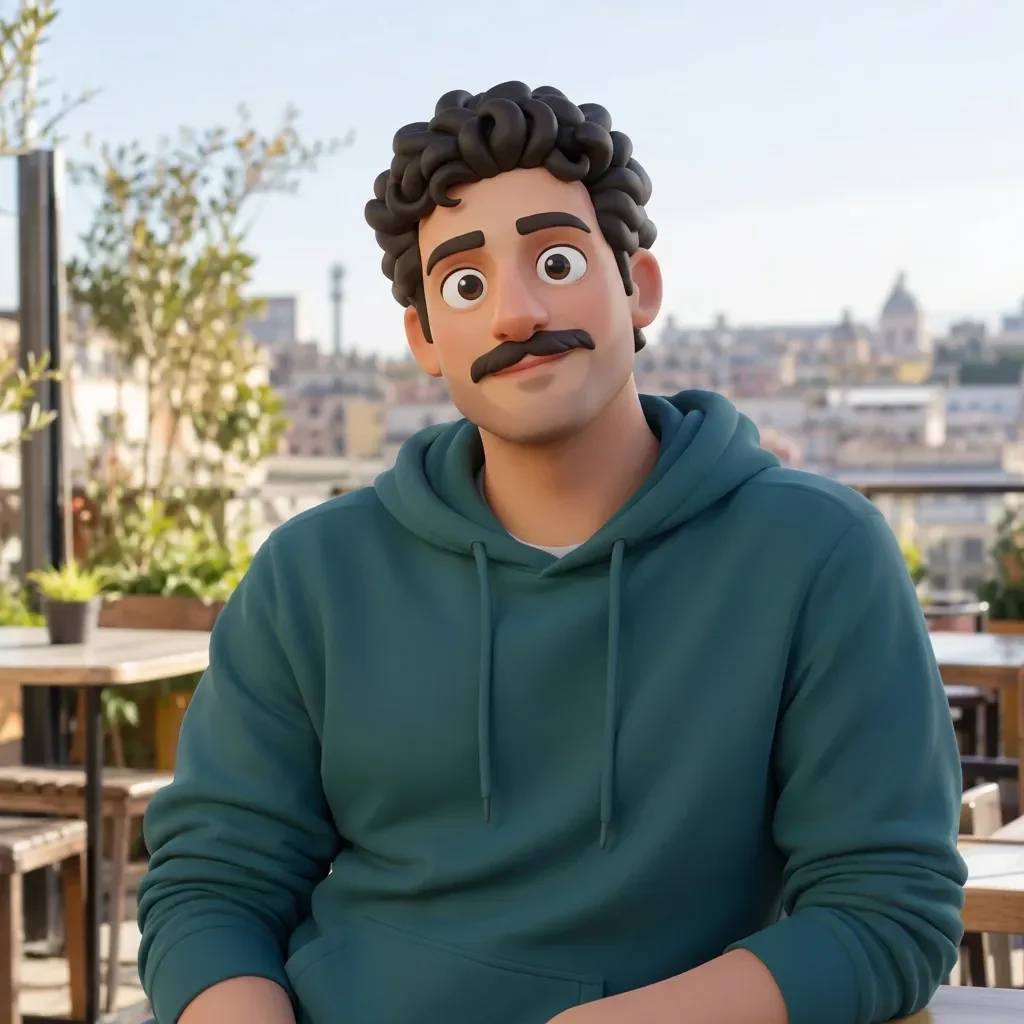
3D animation result for the portrait
Synthetic portrait photograph before conversion
OriginalCartoon

3D animation

Dimension without a different person

A 3D cartoon can soften facial planes and enlarge eyes, so compare identifying features before judging the lighting. The same rooftop portrait is shown here to make that tradeoff visible. This is a rendered character illustration, not a rigged model, a video or an editable 3D file. If you want a subtler result, try the classic or flat illustration option instead of asking a strongly dimensional style to behave like a photograph.

Make it useful
A profile illustration that keeps the curls, moustache and hoodie recognizable.
Start with
Use 3D animation with the complete reference. The sample uses Nano at the shown 8-credit settings; select another model before generating if preferred.
Inspect
Compare head angle, hair silhouette, moustache and clothing color before judging the surface texture.
Try next
If the look is too subtle, try a more graphic preset or a different model. A second generation has its own displayed cost.
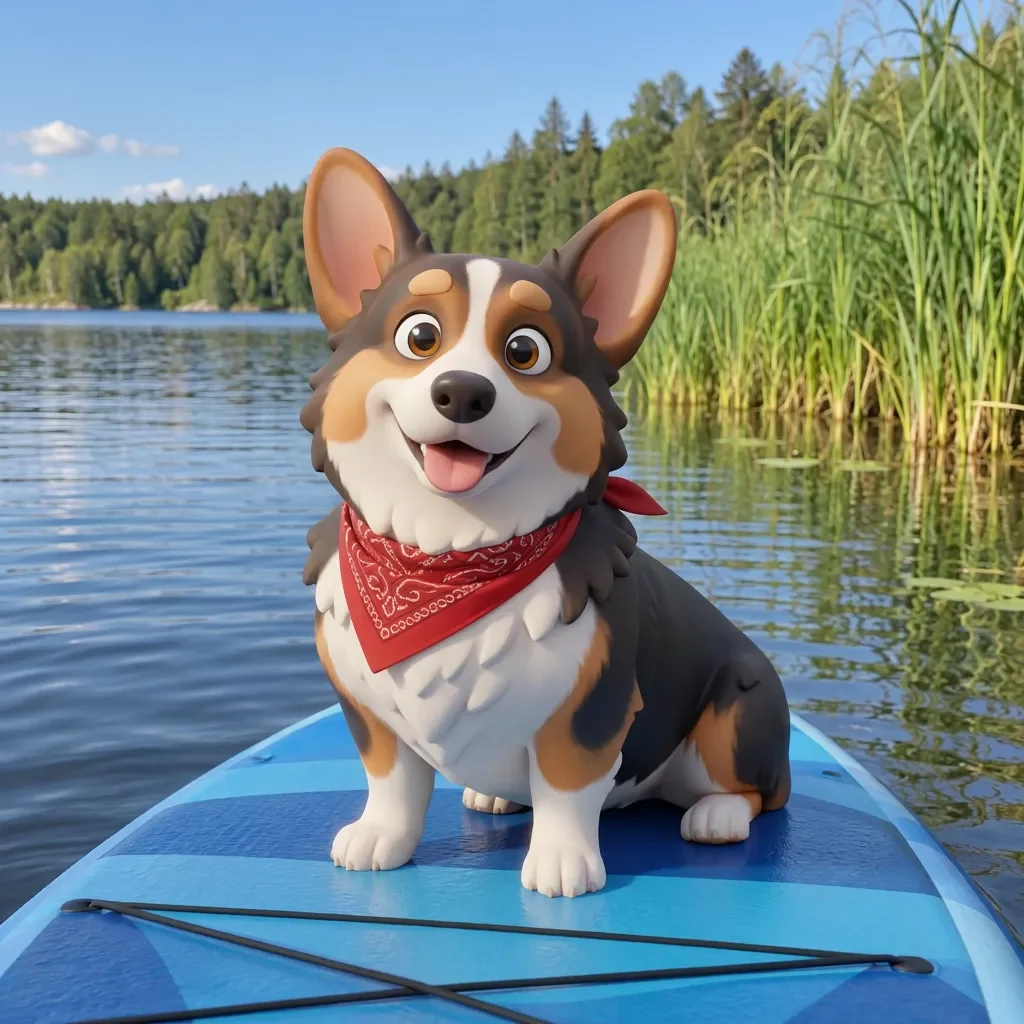
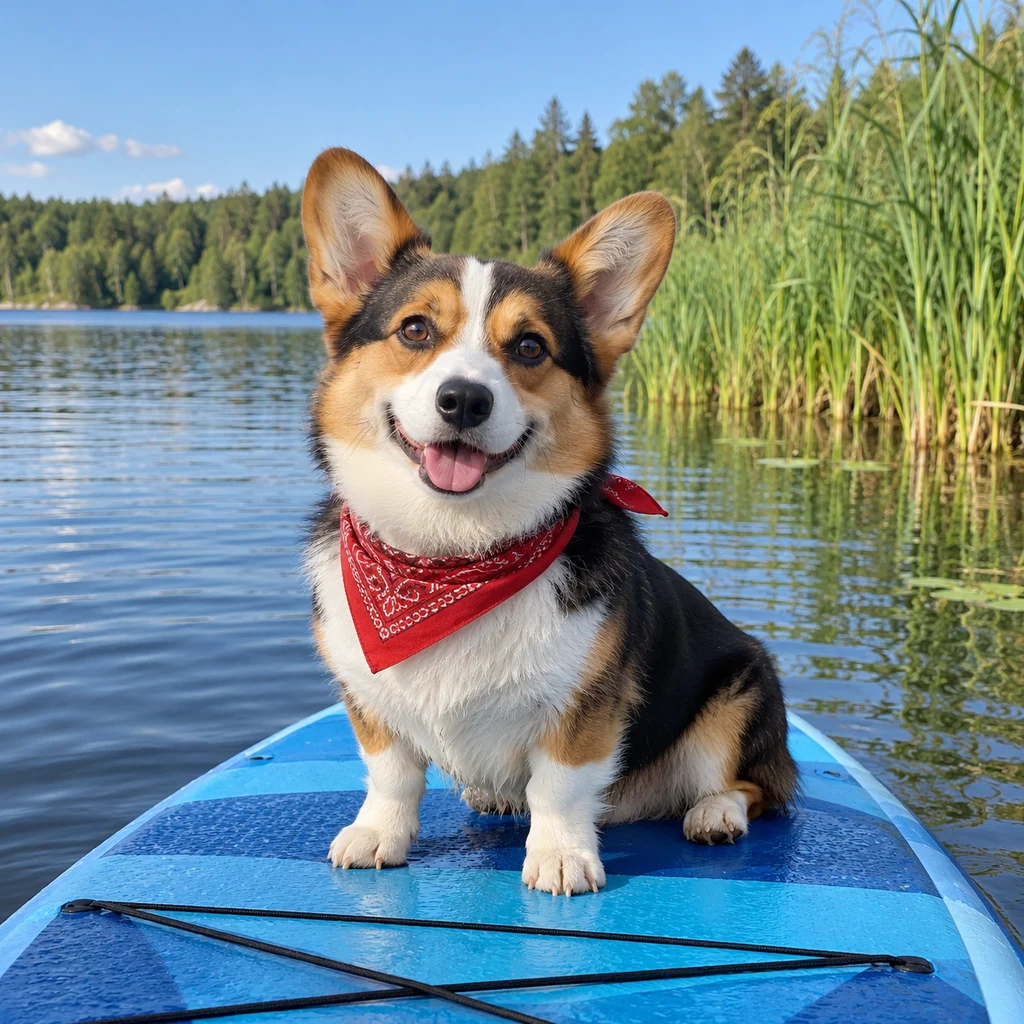
3D animation result for the pet
Synthetic pet photograph before conversion
OriginalCartoon

3D animation

Your companion, in character

This corgi on a paddleboard is a different task from a close-up avatar: the bandana, short legs, coat patches and board all need to remain readable. The model may simplify individual strands of fur, which is part of the style, but important patches deserve inspection. Include the whole animal if the body shape matters. A close face can make a friendly avatar, while a full-body reference is better for a small print or gift. Check paws and collars before sharing.

Make it useful
A playful pet keepsake that still shows the corgi’s markings.
Start with
Use 3D animation with the complete reference. The sample uses Nano at the shown 8-credit settings; select another model before generating if preferred.
Inspect
Check the short legs, white chest, red bandana and the outline of the paddleboard.
Try next
If the look is too subtle, try a more graphic preset or a different model. A second generation has its own displayed cost.
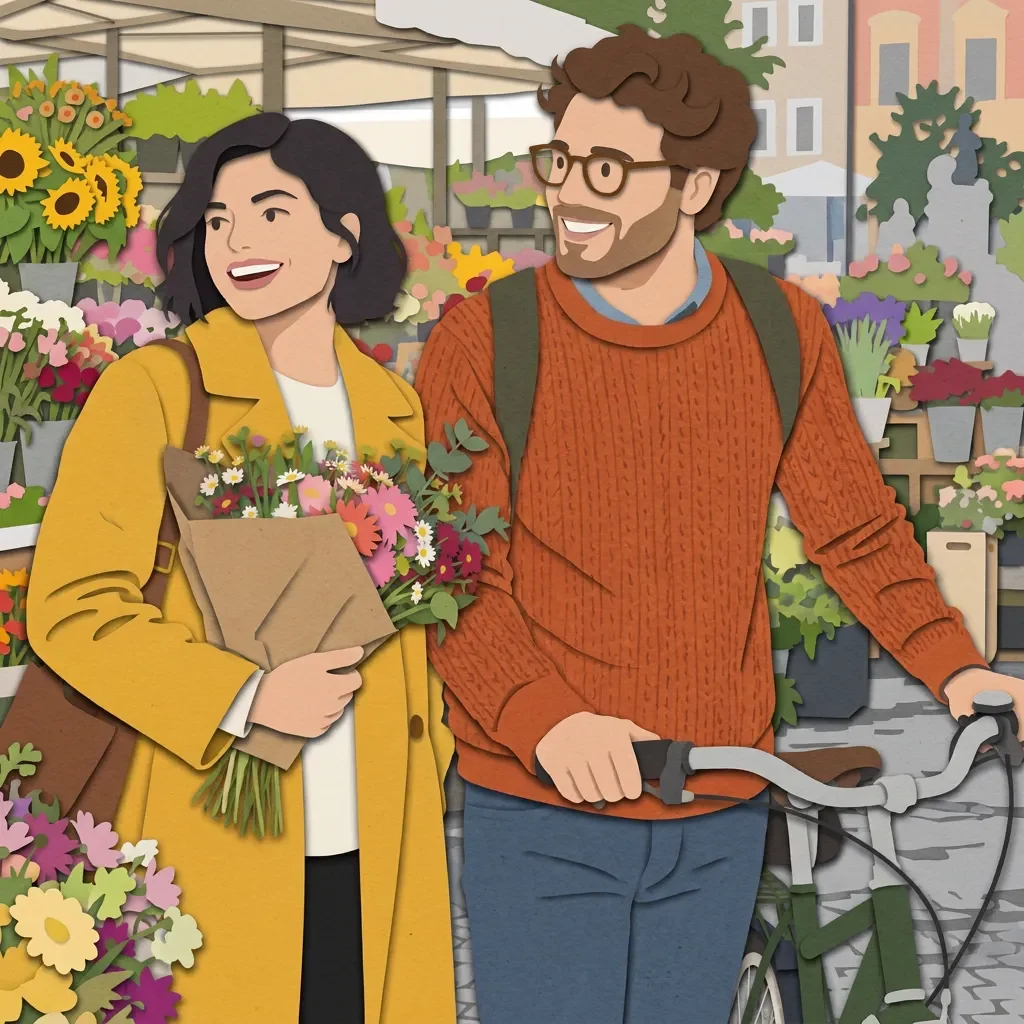
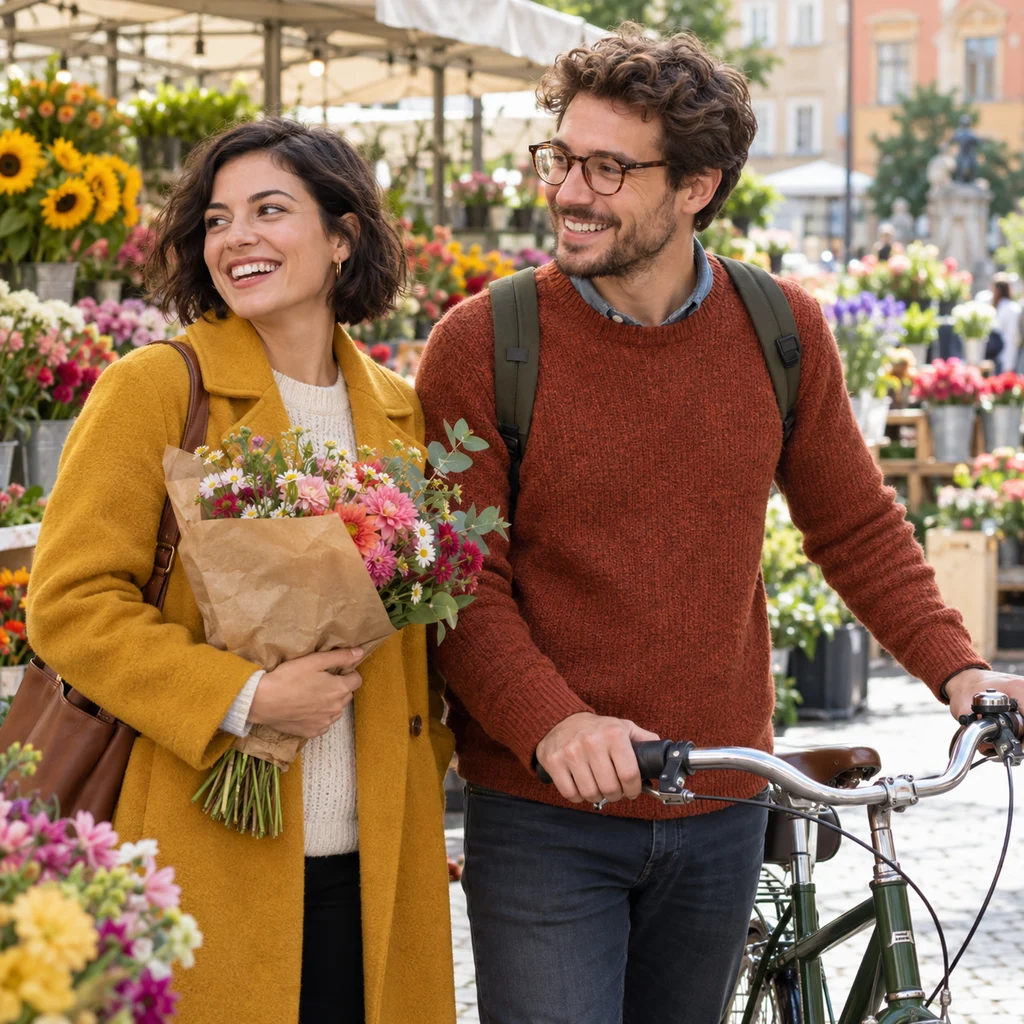
Paper cutout result for the couple
Synthetic couple photograph before conversion
OriginalCartoon

Paper cutout

Two friends, one layered-paper scene

A flower-market photograph becomes a layered-paper illustration while two friends remain separate people. This can work for a shared travel card or a personal event post. Start with Paper cutout and keep any note limited to a detail such as the glasses or bicycle. Compare the two faces, coat and sweater colors, and the bicycle geometry. If the layers swallow a hand or merge a shoulder, use a clearer reference rather than adding several competing changes. A pleasing palette alone is not proof that both people are right.

Make it useful
A shared card or travel memory with two distinct friends.
Start with
Use Paper cutout with the complete reference. The sample uses Nano at the shown 8-credit settings; select another model before generating if preferred.
Inspect
Count both people, then compare face direction, glasses, clothing colors and bicycle geometry.
Try next
If hands merge with the bicycle, use a clearer view; avoid combining a new pose and a new scene in the same note.

How to use Image to Cartoon AI

  1. 1Upload and replace a photo in the Image to Cartoon AI input

    Upload the photo you want to recognize

    Drop, paste or select one JPG, PNG or WebP up to 10MB. Keep the whole face, pet or group in view. A sharp, evenly lit reference gives the editor more useful information than a tiny crop or a face hidden by shadows. Replace the photo in the input when you want to start with another subject.

  2. 2Choose a cartoon style and review the model price

    Choose a visible look

    Open Style inside the input card and choose one of twenty-four cartoon treatments. The selected look already supplies the style instructions. Add an optional note for something specific, such as keeping round glasses or removing a distracting sign. You do not need to write a long artistic prompt.

  3. 3Compare the completed drawing and choose a download format

    Compare, inspect and download

    Generate once, then watch the preview area for progress and the result. Drag the divider to compare the original and cartoon; open the full-screen comparison to inspect faces. Download PNG, JPG or WebP without another model call. Changing your selected style after a result does not alter that saved image.

Where Image to Cartoon AI fits into your day

A profile refresh

Make a recognizable avatar from a clear portrait. Check the small crop before changing a social profile, and keep the original available.

A personal gift

A pet or family illustration can become part of a card or keepsake. Inspect faces, paws and accessories before printing or sharing the result.

A visual story

Use original cartoon art in a personal post or presentation. Review source rights and model terms if the image will be used commercially.

What makes Image to Cartoon AI easier to use

Compare the treatment, not different people

The same-person style grid makes the difference between clay, paper, pixel and painted shapes visible. You can change a style while keeping the uploaded reference and optional note in place. This reduces the guesswork of choosing a label that sounds attractive but produces an unexpected medium.

Keep control of the cost

The economical model is selected first. Nano and GPT are available when you want to try a different interpretation; changing the menu does not generate automatically. Gallery settings name the actual sample model and show their cost before submission. An example is a guide to the treatment, not a promise that every model produces the same drawing.

Review before you share

The result stays beside the input, with status, loading recovery, full-screen comparison and download controls together. Check small facial details before exporting. Format conversion happens in your browser and does not charge for another picture. Your personal uploads do not become public gallery examples.

Review your Image to Cartoon AI result before using it

Cartoonization redraws the reference rather than applying a reversible color overlay. Expect small changes in facial features, hands, fur or background objects. Keep notes focused: asking for a new pose, a new setting and exact identity at once gives the model competing tasks. Printed lettering and logos are less reliable than large shapes. A sticker-style border is a visual effect on a raster image, not a guarantee of transparent background or a production-ready cutting path. Flat illustration is also raster, not an editable vector download.

What the examples show

The same reference makes the flat contours, sculpted surfaces and layered-paper approach directly comparable. The corgi and friends examples use different scenes. These are individual model outputs, so the visual treatment is evidence of a possible result, not an accuracy score or a promise for every upload.

If the first result misses

Use a clearer reference and a short, specific note. Check the selected style and model before paying for a variation. If a generated result fails to load, use its loading retry; that rereads the saved image. It does not ask the model to redraw it. If your saved input has expired, upload the source again.

Image to Cartoon AI: one photo, three model choices

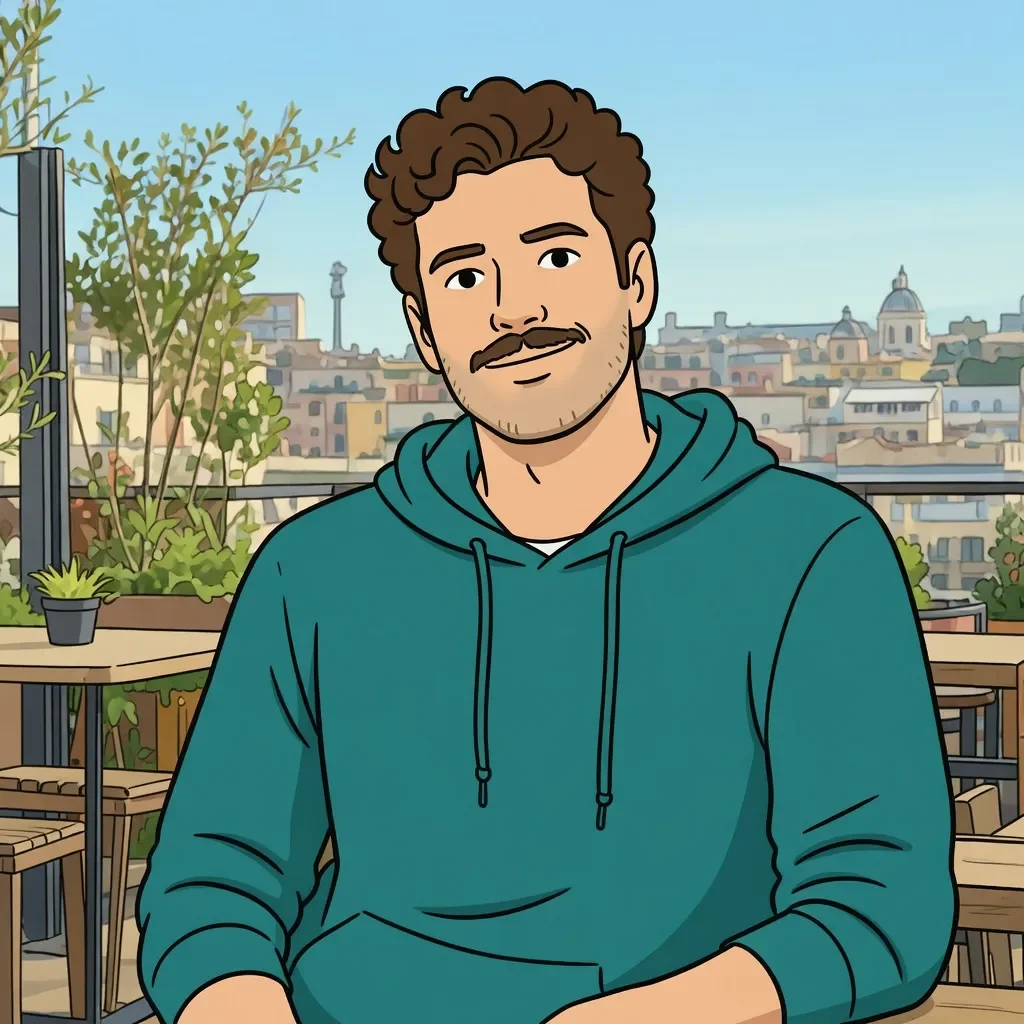
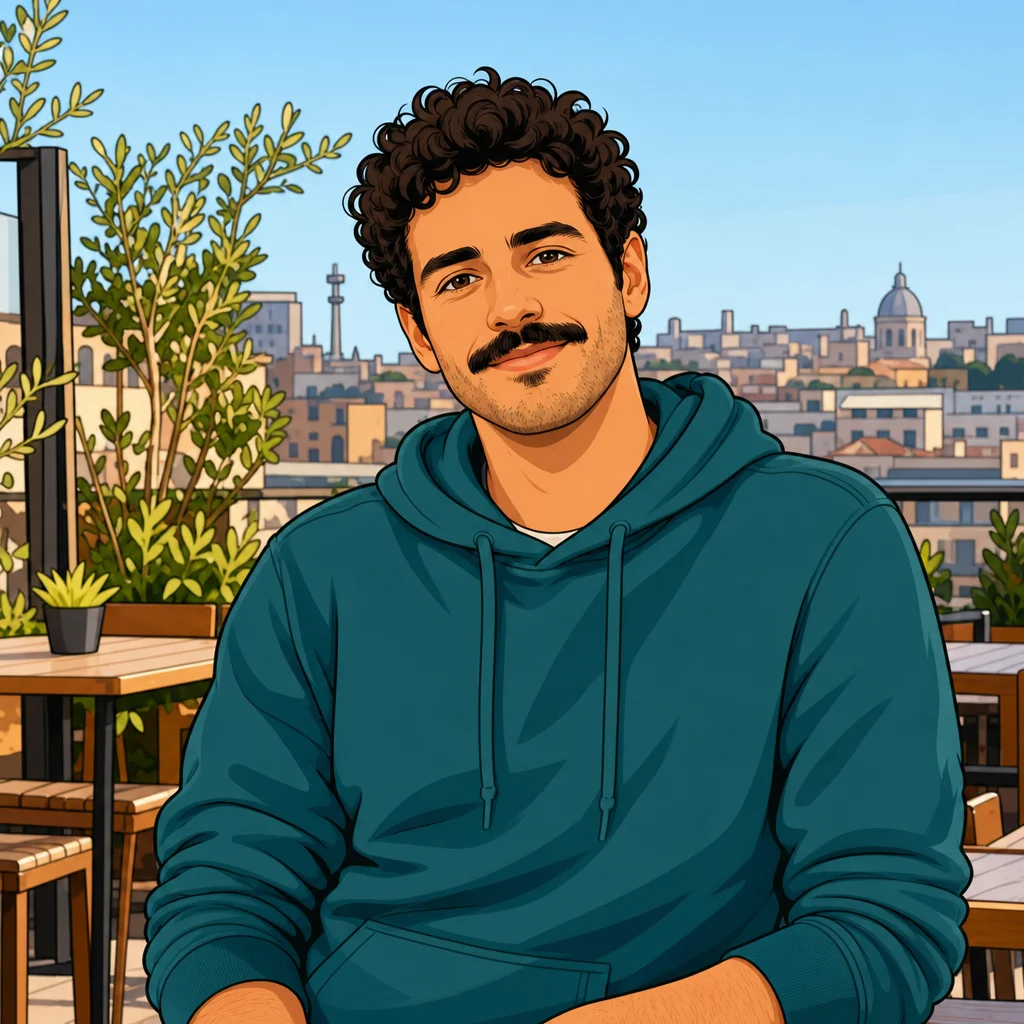
In these individual classic-cartoon runs, Grok simplified the face into broader shapes; GPT used warmer colors, while Nano kept more clothing and hair marks. These are observations from this reference, not a universal quality ranking. The same source and preset were used; inspect your own result before deciding on another model.

Grok result using the Classic preset
Grok · 2 credits
GPT Image 2 result using the Classic preset
GPT Image 2 · 4 credits
Nano Banana Pro result using the Classic preset
Nano Banana Pro · 8 credits
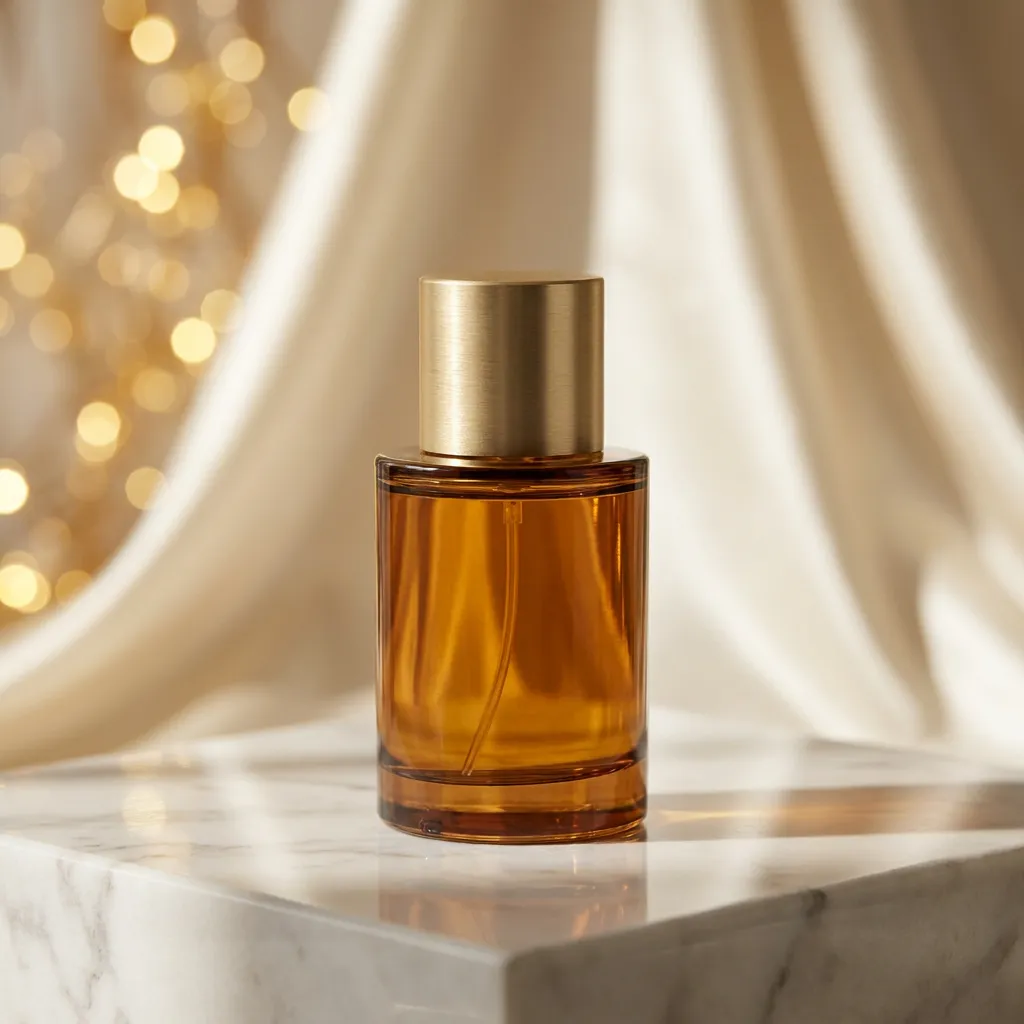
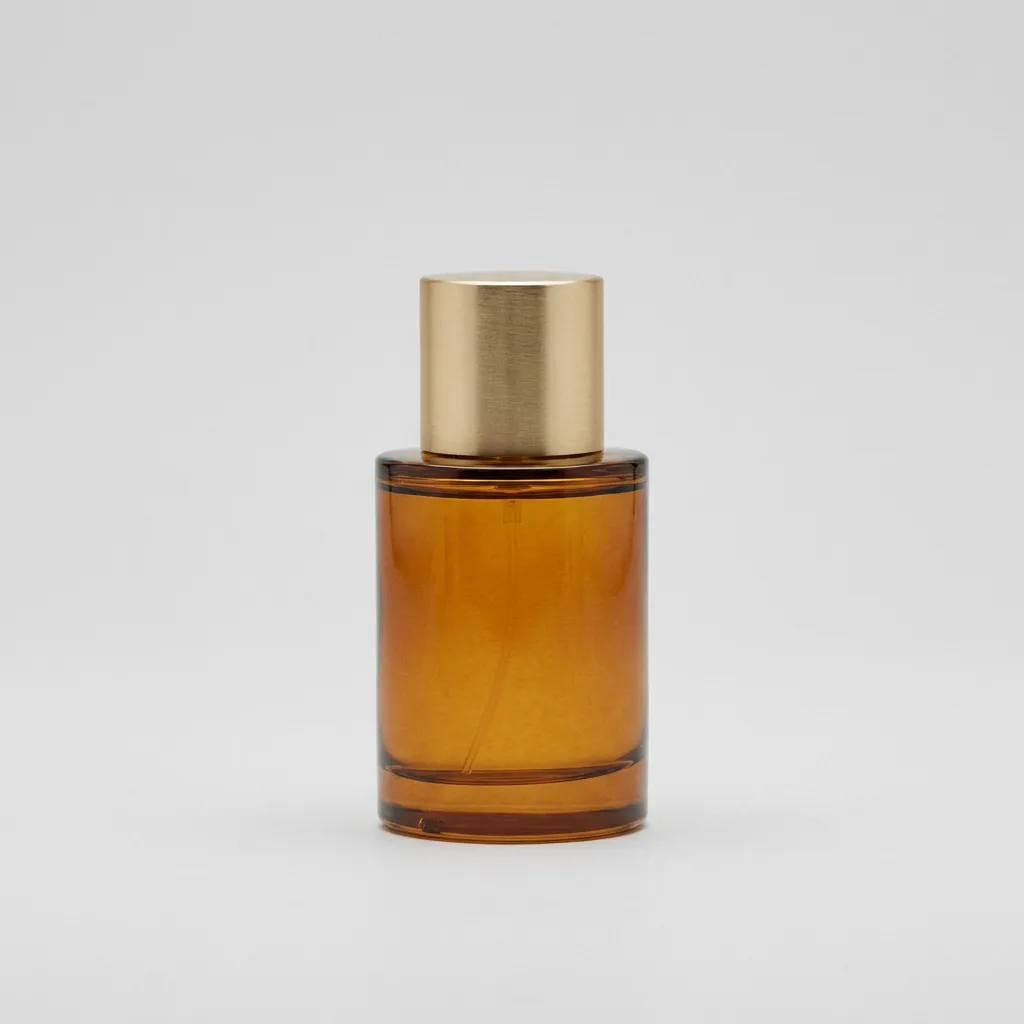
Perfume in a styled scene, actual model edit
Synthetic perfume reference before scene editing
OriginalEdited

Continue with your photo

Explore Image to Image AI

Edit a product scene, an outfit or the atmosphere in a photo with a focused instruction. Use your reference as the starting point and compare the available editing models before generating.

Drag to inspect the recorded edit. These are synthetic demonstration references.

Go to Image to Image AI
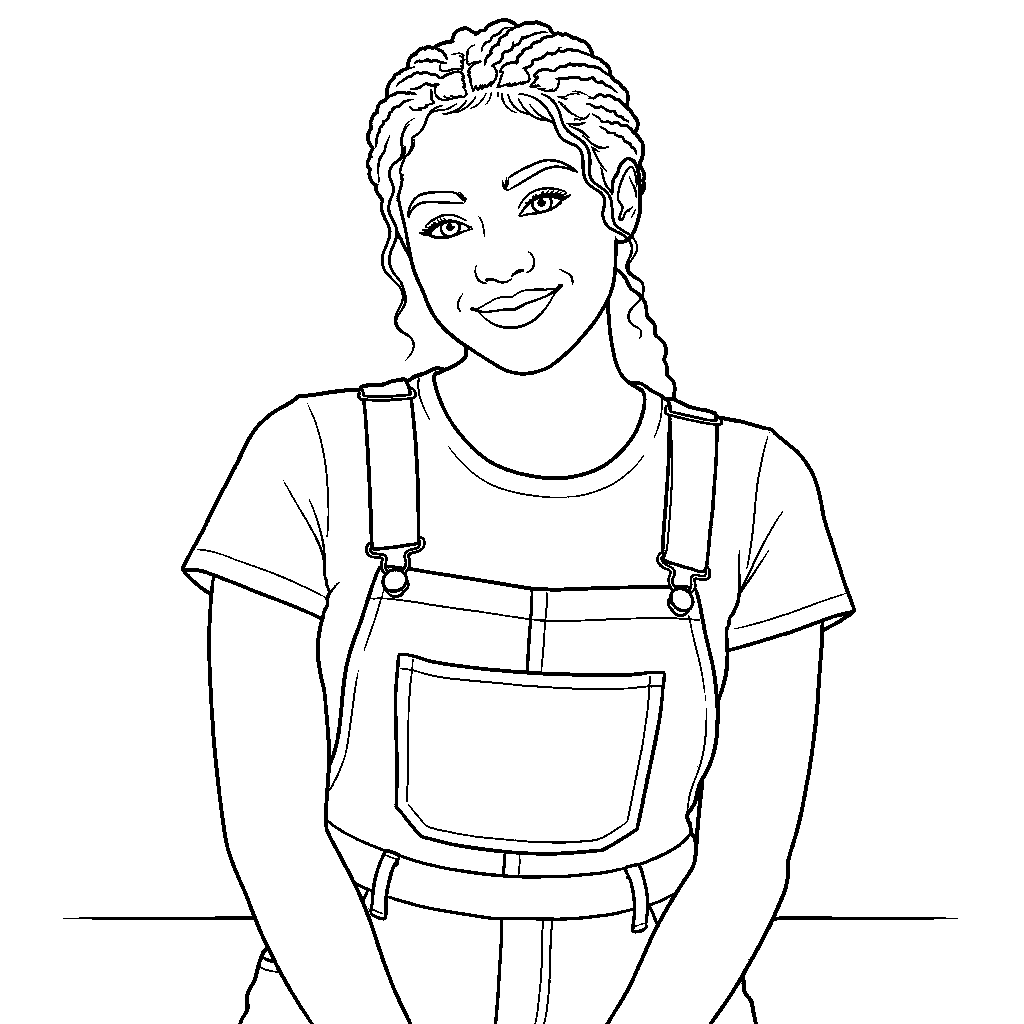
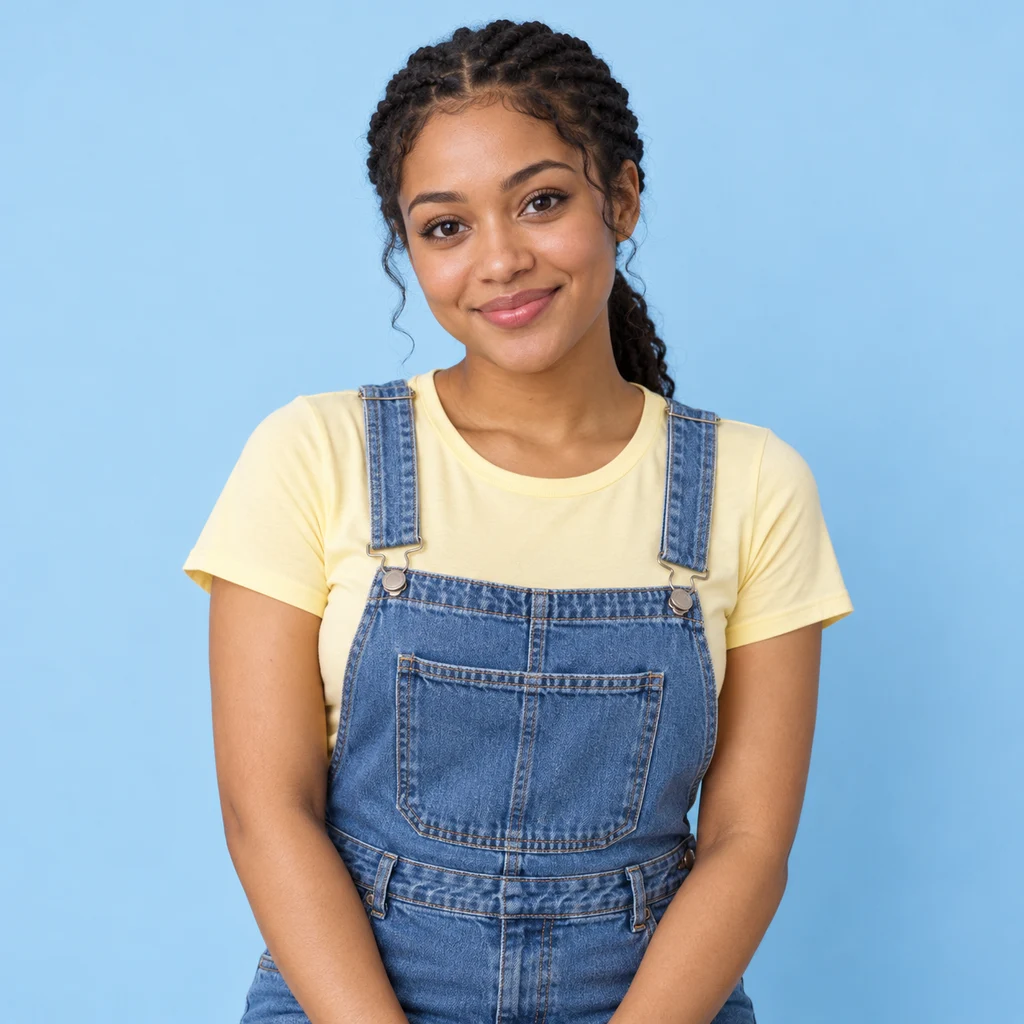
Image to Coloring Page, actual model output
Synthetic demonstration portrait before artistic conversion
OriginalLine art

Continue with your photo

Image to Coloring Page

Make a personal coloring sheet from your photo. Compare ten line-art templates with different amounts of detail, inspect the outlines and download an image or an A4/Letter print PDF.

Drag to inspect the recorded edit. These are synthetic demonstration references.

Open Image to Coloring Page

Image to Cartoon AI FAQ

How does Image to Cartoon AI work?

Upload one reference, choose a visual preset, optionally add a focused note, then generate. The editor redraws the photo in that treatment. Use the comparison slider to check the result against the original before downloading.

Can I use Image to Cartoon AI without signing up?

If your one-time free preview is available, you can upload, generate with the economical model and download without creating an account. That preview is shared across Reimorph tools. Register to receive the currently offered welcome credits and continue; availability and the exact cost appear in the tool.

Will my cartoon still look like me?

The editor asks to retain recognizable features, pose and accessories, but an AI redraw cannot guarantee exact identity. Use a clear reference, compare the hair, jaw, expression and identifying accessories, and avoid asking for many unrelated changes in one note.

Which of the 24 styles should I choose?

Classic cartoon is a useful starting point for a clean illustrated face. Try 3D or clay for volume, paper cutout for layers, comic or pop art for strong marks, and flat illustration for simpler shapes. Gentle caricature deliberately exaggerates features. The thumbnails show one person across all twenty-four options.

Can I cartoonize pets and group photos?

Yes, the input can contain a pet, people or another scene. Keep important subjects large and unobstructed, and inspect every face or animal separately. The corgi and friends comparisons on this page show actual edits of synthetic photo references.

Is this the same as Image to Anime?

This page focuses on a broader range of original cartoon media, including 3D, clay, cut paper and graphic illustration. Use the dedicated anime tool for Japanese animation treatments, or the sketch tool for pencil, charcoal and ink drawings.

Can I download a cartoon without paying again?

A successful available result can be downloaded as PNG, JPG or WebP. Opening the comparison, zooming and changing the download format do not submit another generation. A new generated variation uses the price shown on the button.

What photo should I avoid uploading?

Avoid very small faces, severe motion blur, heavy occlusion and a collage of unrelated pictures. Upload a photo you have permission to use. For commercial use, also check your source-image rights and the terms applicable to your selected model; generation does not clear third-party rights.

More ways to work with your photo

Reading: A community discussion about keeping likeness in cartoon conversions. Personal uploads remain private; public examples use synthetic references.

Try Image to Cartoon AI with a photo you know

Choose the treatment, compare the result and keep the version that works for you. Your available preview and generation cost are shown in the tool.