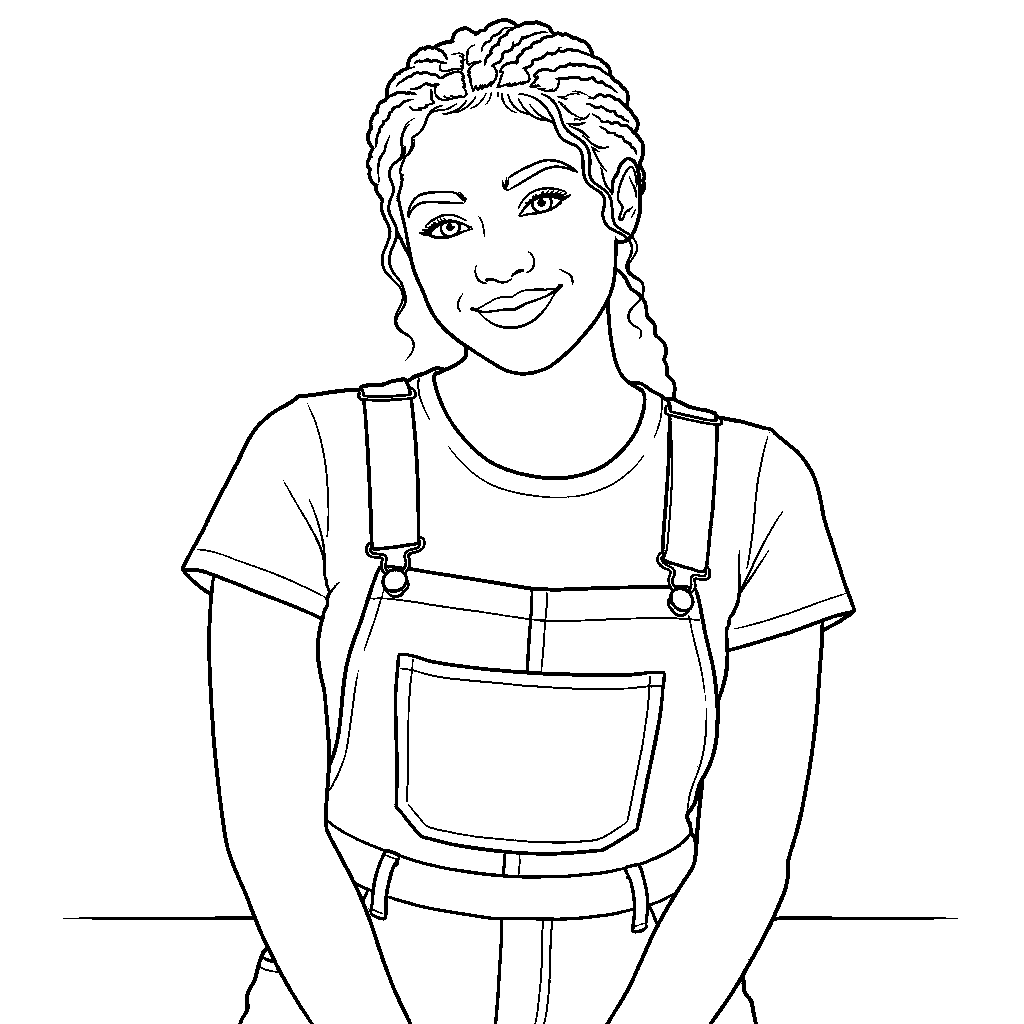
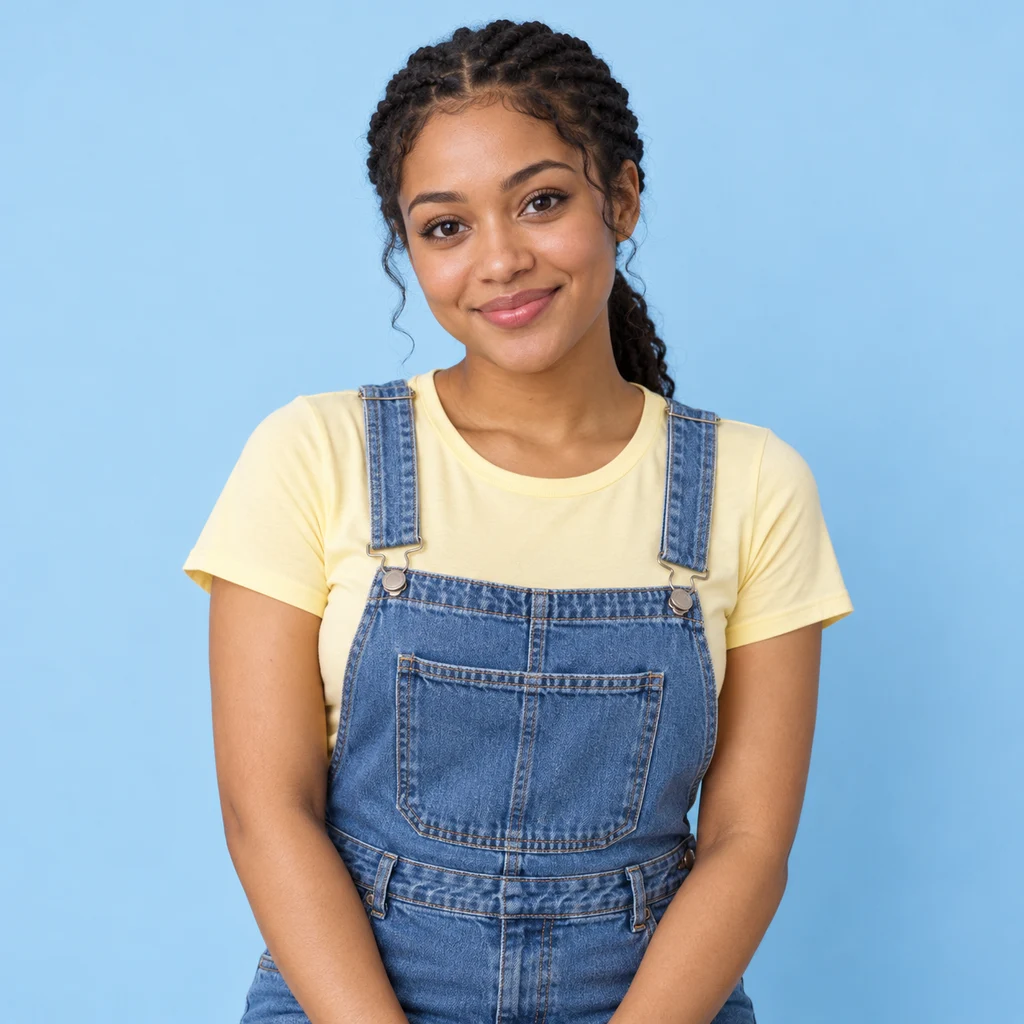
Your photo. More possibilities.

Image to Coloring Page

Your memories. A page you can color.

Turn an image to coloring page with clear outlines and room to color. Pick a line-art template, keep the important subject and download a drawing that fits your paper.

Checking free preview availability…

Register. Your current photo and notes stay here.

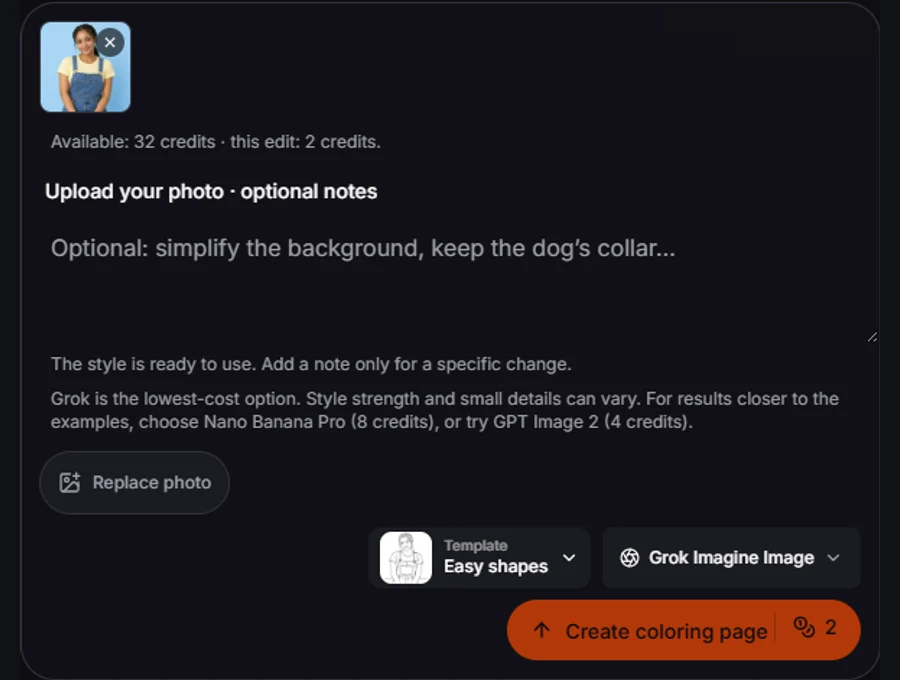
The style is ready to use. Add a note only for a specific change.Grok is the lowest-cost option. Style strength and small details can vary. For results closer to the examples, choose Nano Banana Pro (8 credits), or try GPT Image 2 (4 credits).

One image · 1K · private uploads

Examples use Nano Banana Pro. “Use this setup” loads its 8-credit settings; the model menu and final button show the cost before you generate.

Same reference. A useful choice.

Image to Coloring Page: choose the lines you want to color

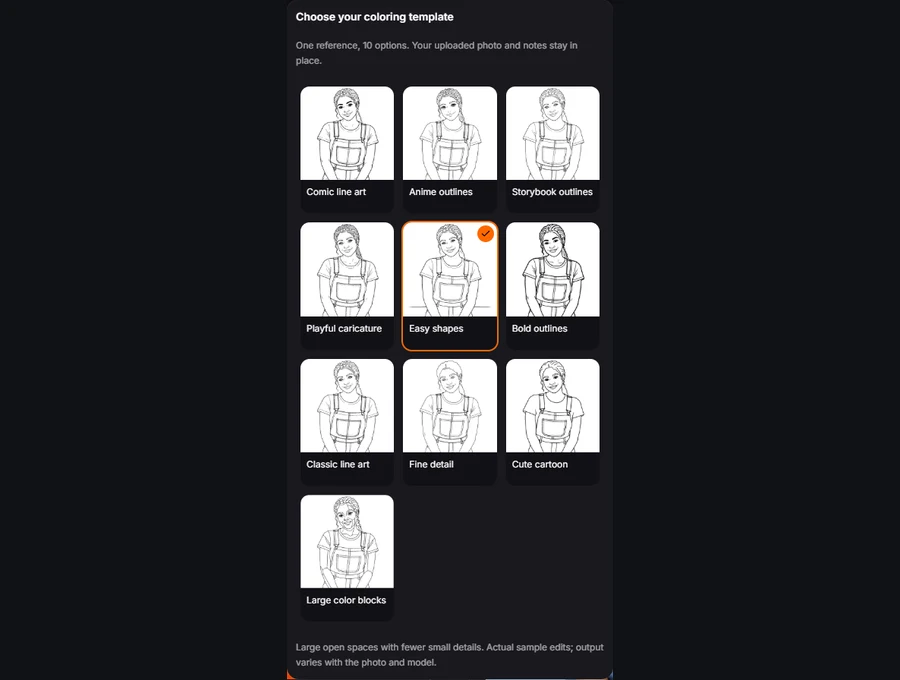
A usable coloring sheet needs more than a black-and-white filter. Dark photographic shadows and hundreds of little texture marks can leave nowhere to color. These ten previews use the same reference so you can compare open spaces, line weight and detail. Start with Easy shapes for broad regions, or choose a finer treatment when you want a longer coloring session. Templates change the drawing request; they are not prefilled stock pages.

Actual edits of one synthetic portrait. Your chosen model and source photo can produce a different interpretation.

Image to Coloring Page examples: compare what changes

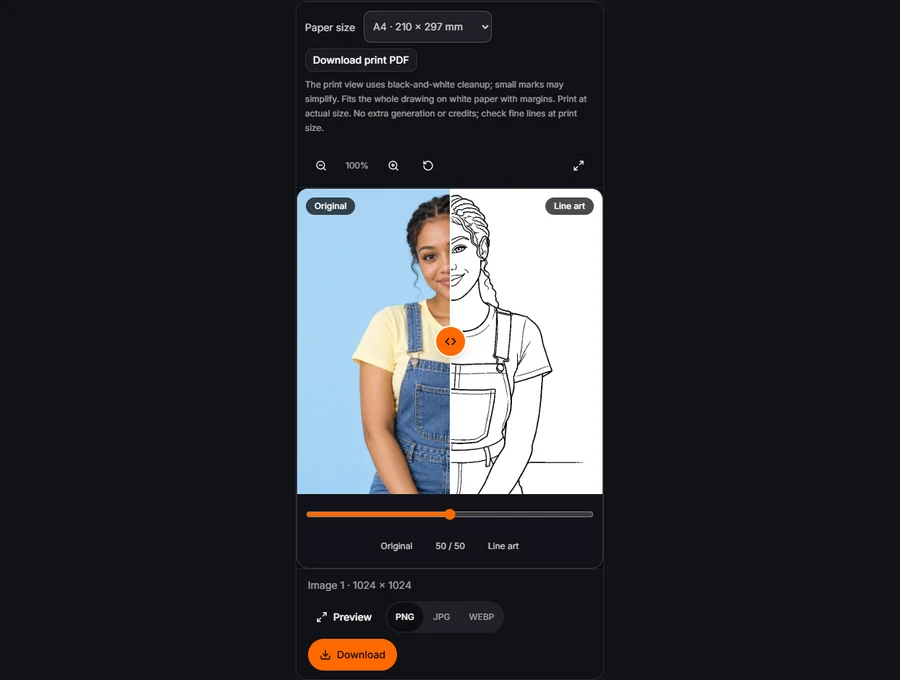
Drag each comparison to inspect the subject, not just the overall effect. These are recorded edits of synthetic photo references, not customer submissions. Loading an example prepares the photo and settings; it does not generate automatically.

Easy shapes result for the portrait
Synthetic portrait photograph before conversion
OriginalLine art

Easy shapes

A familiar face with fewer tiny spaces

Easy shapes removes much of the texture while keeping major facial landmarks and accessories. Large blank areas can make a personalized coloring sheet less fiddly, but no template guarantees suitability for a particular child. Compare the reference with the drawing before handing it over. The braid and overall straps should remain readable; hair and clothes should offer white spaces to fill rather than turn into solid black patches. A calm reference usually produces a more usable sheet than a face covered by shadows.

Make it useful
An outline activity with a familiar face and a usable amount of white space.
Start with
Choose Easy shapes. Leave the note blank first, or name one background detail to simplify. Select paper size after the result loads.
Inspect
Look at the braid, eyes and overall straps. Hair and clothing should have white interiors rather than solid dark fills.
Try next
For crowded regions, switch to Easy shapes or Bold outlines. Download one A4/Letter test sheet; PDF fitting does not repair missing contours.
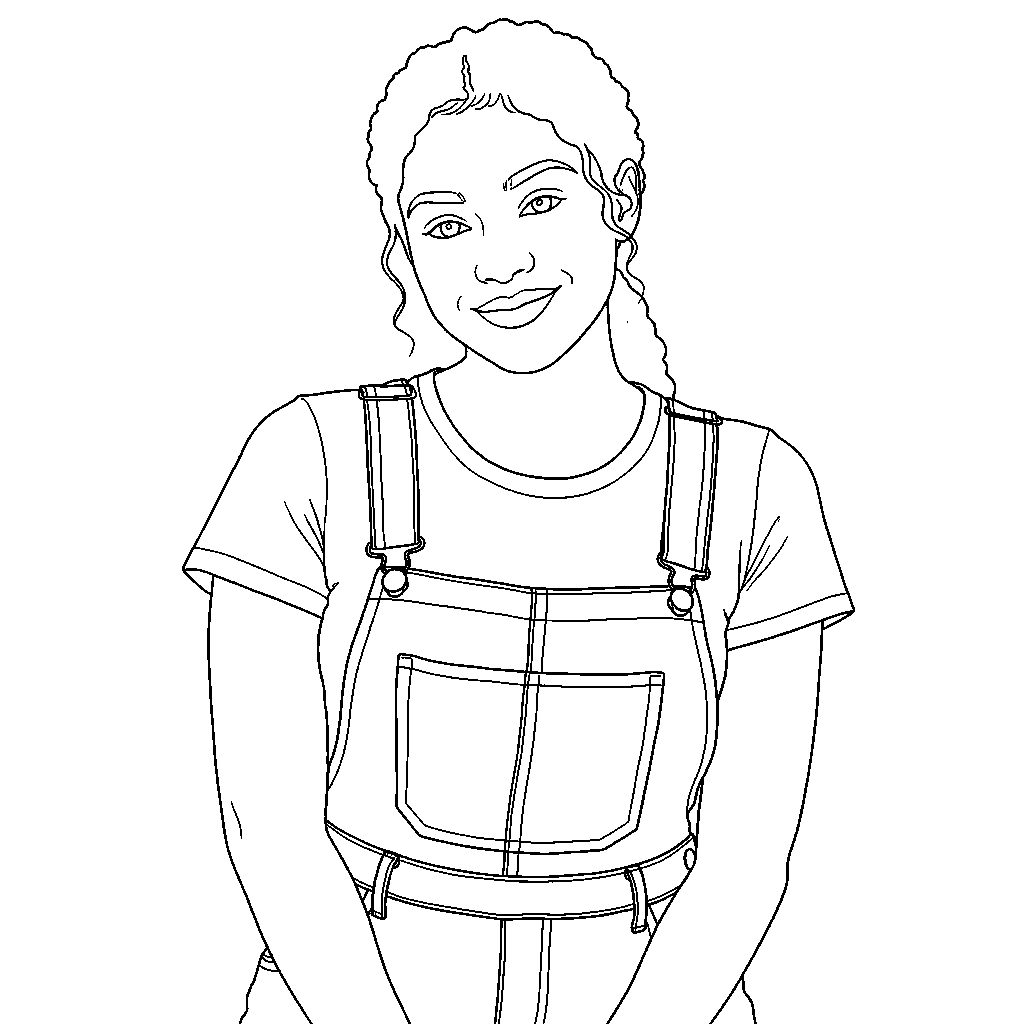
Fine detail result for the portrait
Synthetic portrait photograph before conversion
OriginalLine art

Fine detail

The same subject, a longer activity

Fine detail is for people who enjoy smaller regions and more structure. It asks for meaningful contours rather than reproducing every photographic edge. The same portrait lets you judge that change without a different person or camera angle. Look at the preview at the size you plan to print: a delicate line that is obvious on a backlit screen can disappear on a home printer. Switch to Classic or Bold if the page becomes too intricate.

Make it useful
An outline activity with a familiar face and a usable amount of white space.
Start with
Choose Fine detail. Leave the note blank first, or name one background detail to simplify. Select paper size after the result loads.
Inspect
Look at the braid, eyes and overall straps. Hair and clothing should have white interiors rather than solid dark fills.
Try next
For crowded regions, switch to Easy shapes or Bold outlines. Download one A4/Letter test sheet; PDF fitting does not repair missing contours.
Bold outlines result for the food
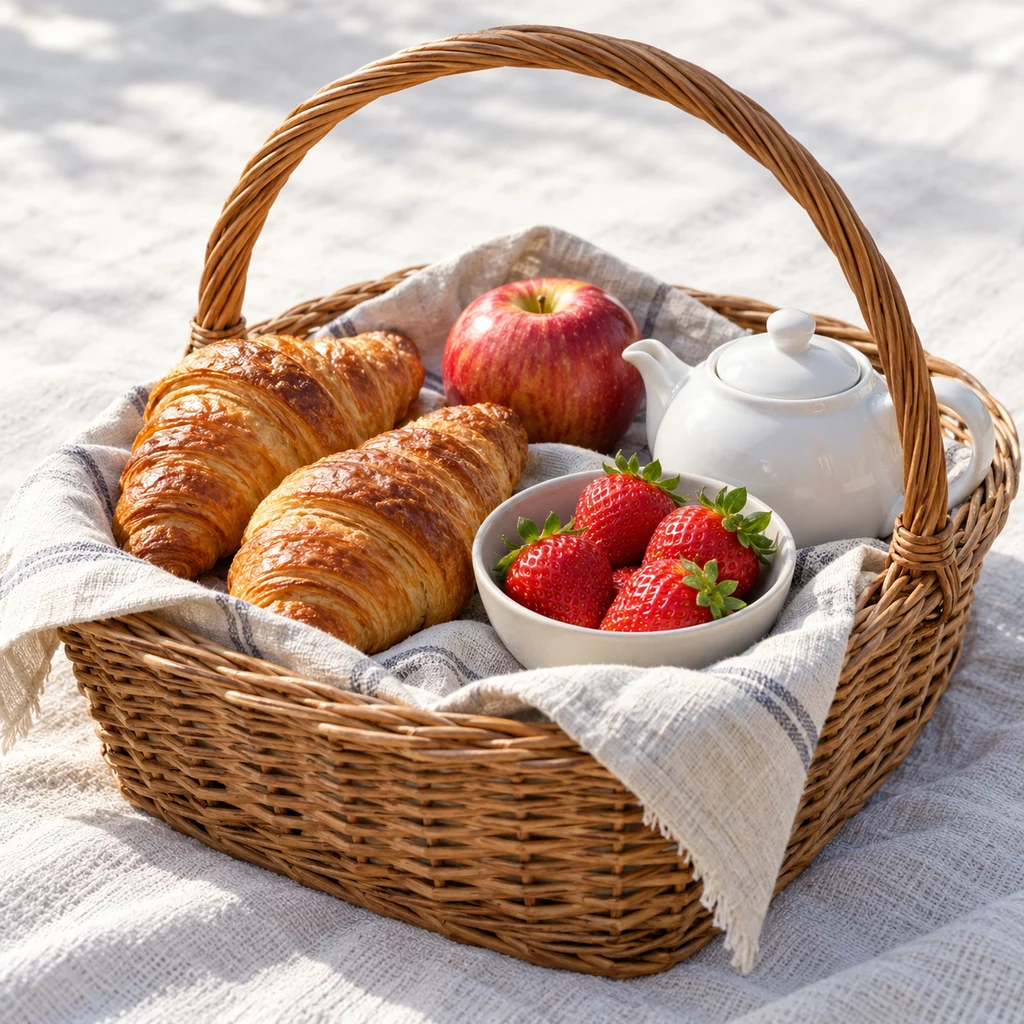
Synthetic food photograph before conversion
OriginalLine art

Bold outlines

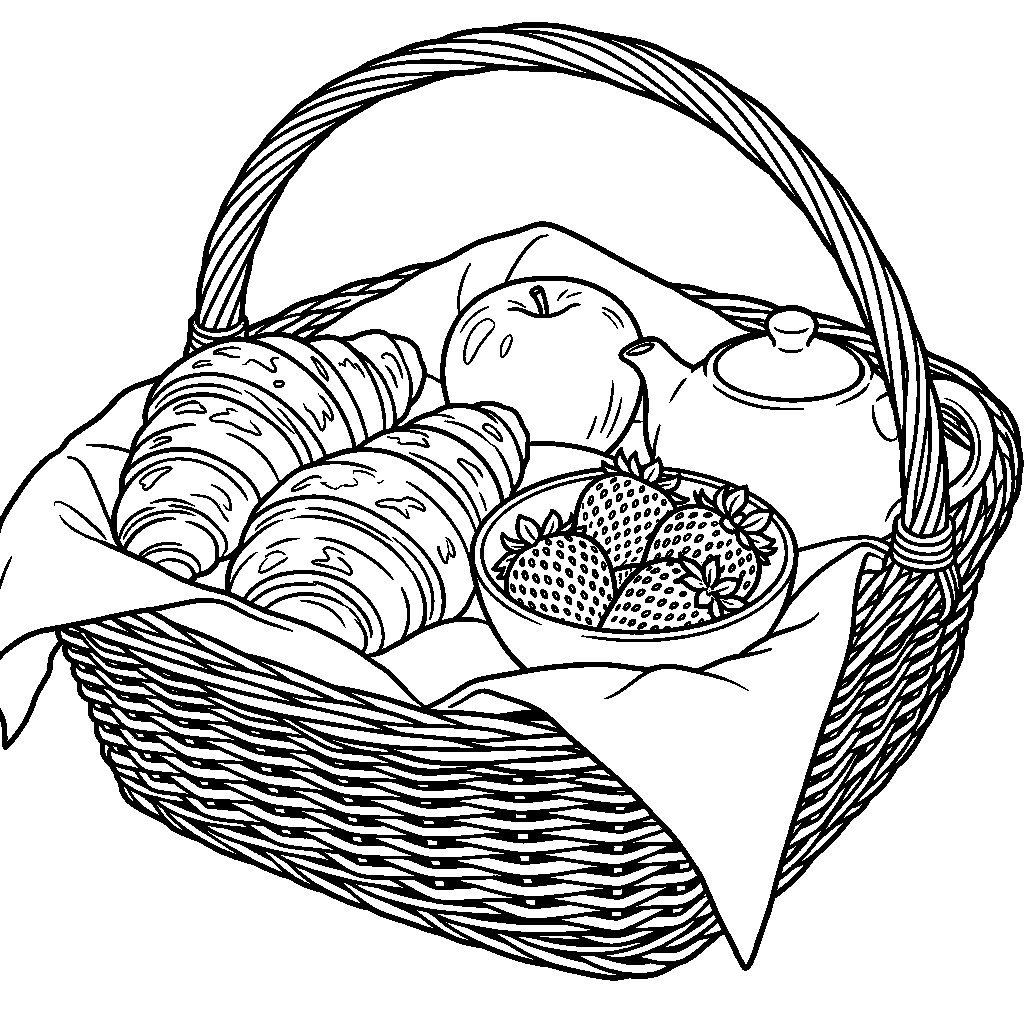
A picnic sheet with large, appetizing shapes

A picnic basket brings food, fabric and several overlapping objects into one drawing. Bold outlines is a useful starting point for a family activity because the apple, berries, teapot and croissants need distinct regions, not every crumb and weave mark. Start with the full photograph and ask to simplify cloth texture if necessary. Compare each object boundary and the teapot handle. If the berries become a dense dark patch, choose Easy shapes or a closer crop. Print one sheet before making copies.

Make it useful
A personal picnic activity with separate, spacious regions to color.
Start with
Choose Bold outlines. Leave the note blank first, or name one background detail to simplify. Select paper size after the result loads.
Inspect
Inspect the fruit boundaries, teapot handle and basket opening; tiny weave marks should not swallow the white areas.
Try next
For crowded regions, switch to Easy shapes or Bold outlines. Download one A4/Letter test sheet; PDF fitting does not repair missing contours.
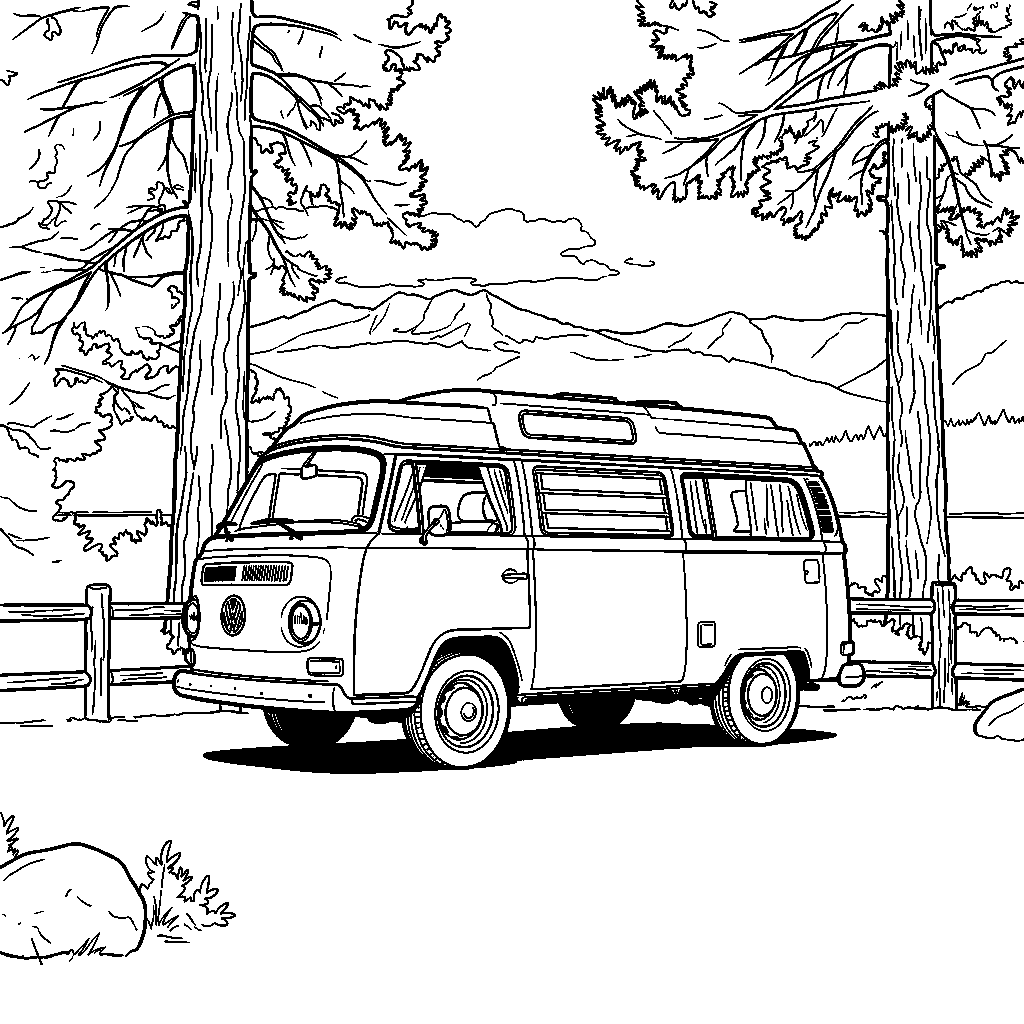
Comic line art result for the vehicle
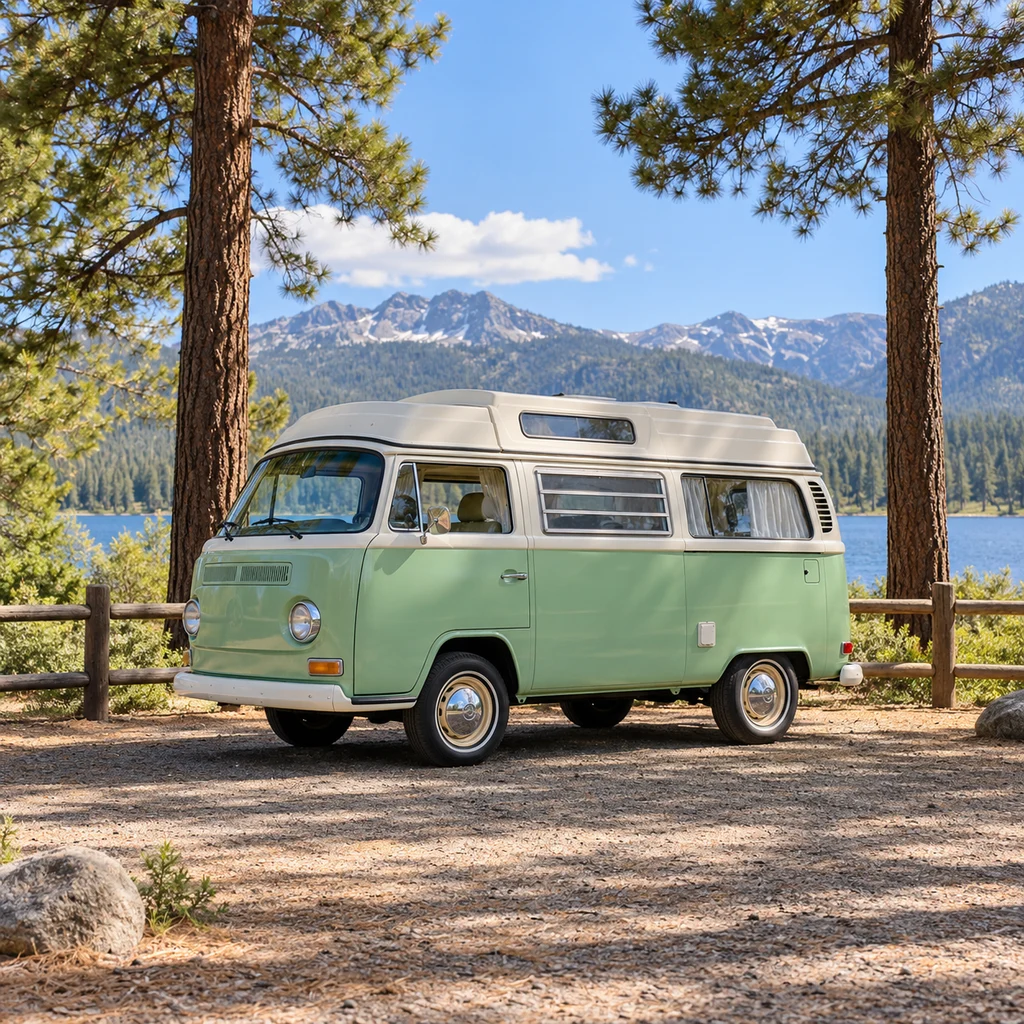
Synthetic vehicle photograph before conversion
OriginalLine art

Comic line art

A camper van, ready for a travel activity

A mint camper van can become a personalized travel activity without copying every leaf in the campsite. Comic line art emphasizes wheel, door and window boundaries while keeping white space inside the bodywork. Start with the whole van in frame and add a note only if the fence or trees should be simplified. Inspect both wheels, the window corners and the white margin. A missing mirror or changed badge can occur in an AI redraw; this is an activity sheet, not an engineering diagram or a vector cutting file.

Make it useful
A travel sheet where the van’s main parts remain easy to recognize.
Start with
Choose Comic line art. Leave the note blank first, or name one background detail to simplify. Select paper size after the result loads.
Inspect
Check both wheels, door and window boundaries, plus a clear margin around the whole van.
Try next
For crowded regions, switch to Easy shapes or Bold outlines. Download one A4/Letter test sheet; PDF fitting does not repair missing contours.

How to use Image to Coloring Page

  1. 1Upload and replace a photo in the Image to Coloring Page input

    Choose one clear reference

    Upload, paste or drop a JPG, PNG or WebP up to 10MB. Keep the main subject large enough to recognize, with space around its edges. A simple photograph is easier to turn into coherent outlines than a busy collage. You can use people, a pet, a favorite place or an object you want to color.

  2. 2Choose a line-art template and review the model price

    Pick the space you want to color

    Open Template inside the input. Choose a simple or detailed outline, or try Comic line art, Anime outlines, Storybook outlines, Cute cartoon or Playful caricature. The drawing request already asks for a white background and unfilled regions. Add one optional note if a particular feature should stay or a background distraction should disappear.

  3. 3Compare the completed drawing and choose an image or print PDF

    Check the lines, then choose your paper

    Generate and review the line drawing in the preview. Drag against the original to check that the subject is still recognizable. Download an image for digital coloring, or select A4 or US Letter and download a PDF with margins. Print at actual size and inspect one sheet before making more copies.

Where Image to Coloring Page fits into your day

A personal activity

Use a familiar face or favorite pet instead of a generic sheet. Choose open spaces that suit the person who will color it.

A travel memory

Simplify a scene from your own trip. Keep the main shapes recognizable, and use the note to remove distracting ground texture.

A classroom or craft table

Prepare one sheet, check the printed outlines and make copies only when your image rights allow it. The tool makes a drawing, not an age-certified learning resource.

What makes Image to Coloring Page easier to use

Choose detail through a visible example

Ten same-reference templates show the practical difference between a bold boundary, a finer contour and a more geometric arrangement. They keep the input compact while covering distinct coloring needs. Your photo stays attached when you change the template; no extra generation happens until you submit.

Put paper settings after the drawing

You do not need to decide a printer ratio before seeing the result. Select A4 or Letter beside a successful drawing; the PDF centers the whole image on white paper with margins. It fits instead of cropping the subject. Paper adaptation happens locally and does not spend another credit.

Use your own picture as the starting point

A familiar pet or travel photo gives the activity context that a generic downloadable sheet cannot provide. The comparison helps you check what changed. Keep the original file, choose a digital image download for a drawing app, and review the PDF at normal size for a physical activity.

Review your Image to Coloring Page result before using it

This is an AI redraw, not a guaranteed exact tracing. Small faces, lettering, intertwined branches and dense architecture may simplify or change. The templates request clean black contours and white interiors, but inspect every output for gray patches, heavy fills and open boundaries. PDF export adds paper and margins; it does not repair missing lines, turn the image into vectors or add real resolution. A 1K drawing can be useful for a normal sheet, but fine lines may look soft when enlarged. Choose a simpler template or clearer reference when the drawing is too busy.

What the examples show

The same reference exposes the difference between broad blank areas and finer contour structure. The pet and floral examples show why texture needs different simplification. A sample drawing is evidence of one output; check that your own result has usable white spaces, coherent edges and enough margin.

If the first result misses

Use a clearer reference and a short, specific note. Check the selected style and model before paying for a variation. If a generated result fails to load, use its loading retry; that rereads the saved image. It does not ask the model to redraw it. If your saved input has expired, upload the source again.

Image to Coloring Page: one photo, three model choices

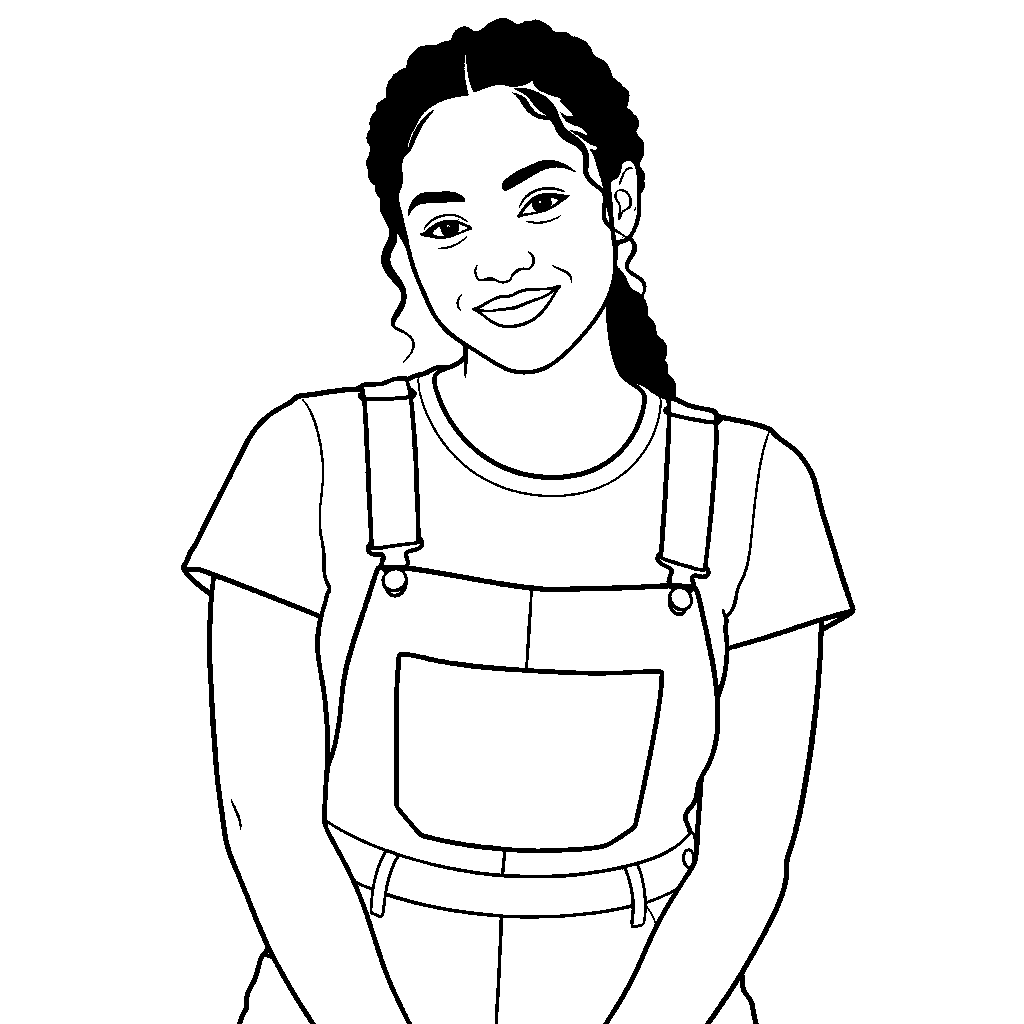
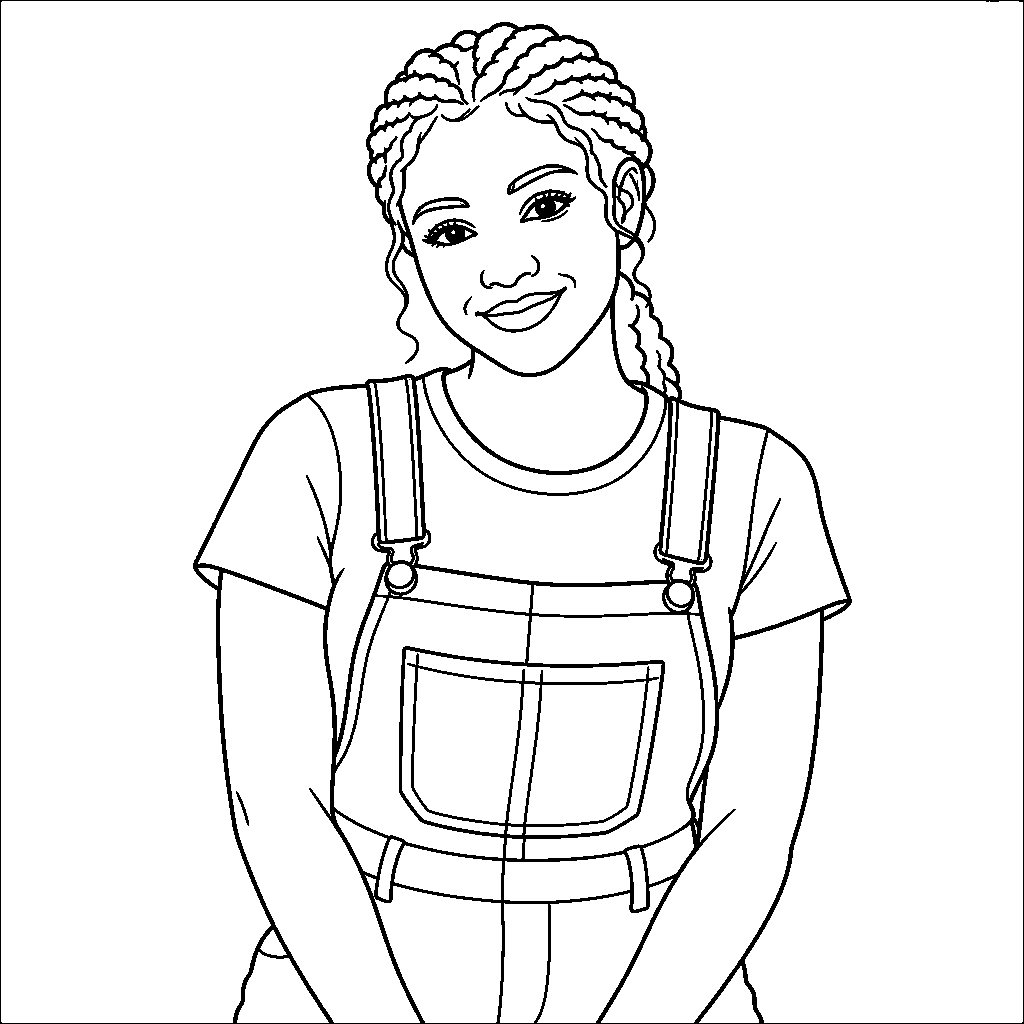
In these individual Easy shapes runs, Grok used bolder, fewer interior marks; GPT and Nano retained more hair contours. The preview uses black-and-white cleanup for paper contrast. This does not create missing boundaries or remove every unwanted detail. The same source and preset were used; inspect your own result before deciding on another model.

Grok result using the Easy shapes preset
Grok · 2 credits
GPT Image 2 result using the Easy shapes preset
GPT Image 2 · 4 credits
Nano Banana Pro result using the Easy shapes preset
Nano Banana Pro · 8 credits
Perfume in a styled scene, actual model edit
Synthetic perfume reference before scene editing
OriginalEdited

Continue with your photo

Explore Image to Image AI

Edit a product scene, an outfit or the atmosphere in a photo with a focused instruction. Use your reference as the starting point and compare the available editing models before generating.

Drag to inspect the recorded edit. These are synthetic demonstration references.

Go to Image to Image AI
Image to Cartoon AI, actual model output
Synthetic demonstration portrait before artistic conversion
OriginalCartoon

Continue with your photo

Image to Cartoon AI

Compare twenty-four original cartoon treatments on the same reference. Give a portrait, pet or family photo a drawn character look, inspect the result and download your favorite version.

Drag to inspect the recorded edit. These are synthetic demonstration references.

Open Image to Cartoon AI

Image to Coloring Page FAQ

How do I turn an image to coloring page?

Upload a photo, choose one of ten line-art templates and generate. Compare the drawing with your source, then download an image or select A4/Letter PDF. Use the optional note for a focused change such as simplifying the background.

Can I try Image to Coloring Page without an account?

Your first available Reimorph preview can be generated with the economical model without signing up and can be downloaded. The one-time preview is shared across tools. Register for the currently offered welcome credits to continue; the tool shows availability and the price before generation.

Which template is best for a simple coloring sheet?

Start with Easy shapes for fewer enclosed regions or Bold outlines for thicker boundaries. Classic balances structure and open space. Fine detail keeps more meaningful edges; Cute cartoon changes the character shapes; Large color blocks creates more geometric regions. Inspect the result rather than relying on an age label.

How is Image to Coloring Page different from a sketch?

A sketch uses shading, hatching and paper texture to describe form. A coloring page aims for white interiors separated by clear black contours, leaving the color to you. Use the sketch page when you want finished pencil or charcoal artwork.

Does Image to Coloring Page support A4 and US Letter?

Yes. After a result loads, select A4 or US Letter and download the print PDF. The complete raster drawing is fitted inside white margins without cropping. Use actual-size printing and check one test sheet; printer hardware can impose additional margins.

Why does my result have too many small details?

A busy reference can encourage crowded contours. Try Easy shapes or Bold outlines and add a short note to remove incidental background texture. Use a closer, clearer view of the subject. If the output is still noisy, review a different model rather than printing many unusable copies.

Can I use Image to Coloring Page for digital coloring?

Yes. Download PNG, JPG or WebP and import it into the drawing app of your choice. PNG is a useful starting point for crisp line art. The output is a raster image, not an SVG or a guarantee of closed vector paths.

Does downloading or changing the paper size use more credits?

No. Downloads, full-screen inspection and PDF paper adaptation use the already generated result. Another generation or a new variation costs the amount displayed on the button. Keep a downloaded copy if you want to use it outside the site.

More ways to work with your photo

Reading: A photographer’s discussion about recognizable, uncluttered coloring sheets. Personal uploads remain private; public examples use synthetic references.

Try Image to Coloring Page with a photo you know

Choose the treatment, compare the result and keep the version that works for you. Your available preview and generation cost are shown in the tool.