Your portrait. A second opinion.

AI Hairstyle Changer

Your face. A haircut you can judge.

Use AI Hairstyle Changer to preview a haircut on your own portrait before you commit to it. Upload one clear photo, open the men’s or women’s gallery — twenty looks each, from tapers, fades and crops to bobs, shags and curls — optionally switch the hair color, then compare the result against your original face before downloading.

Checking free preview availability…

Register. Your current photo and notes stay here.

The style is ready to use. Add a note only for a specific change.Grok is the lowest-cost option. Style strength and small details can vary. For results closer to the examples, choose Nano Banana Pro (8 credits), or try GPT Image 2 (4 credits).

One image · 1K · private uploads

The model menu and final button show the credit cost before you generate; comparing and downloading a finished result costs nothing extra.

One uploaded face. Forty requested looks.

AI Hairstyle Changer: choose a haircut and a color

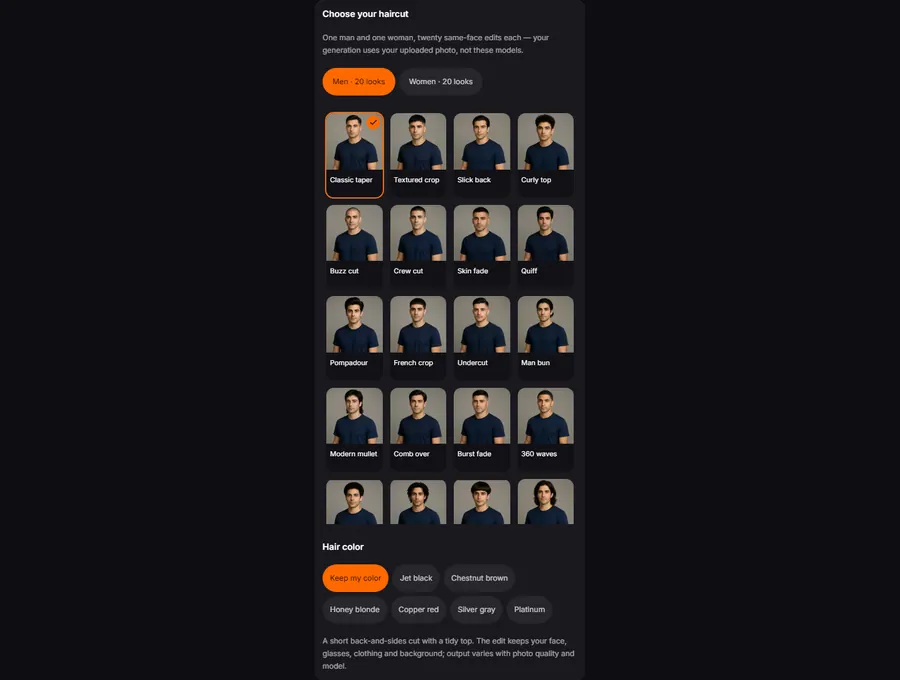
Most hairstyle apps show each preset on a different stock model, which tells you nothing about your own head shape. Here every look is requested on the photo you upload, with the same face, glasses and clothes — so the difference you see is the haircut, not the person. Pick a look below; your uploaded photo and any note stay in place while you change your mind.

Hair color switches in the same control: keep your own, or try jet black, chestnut, honey blonde, copper, silver or platinum. Changing either setting never generates by itself.

AI Hairstyle Changer examples: compare what changes

Drag each comparison over the face, glasses and collar — the hairstyle should be the only thing that moved. These are recorded edits of synthetic references, not customer submissions. Loading an example prepares the portrait and settings; it does not generate automatically.

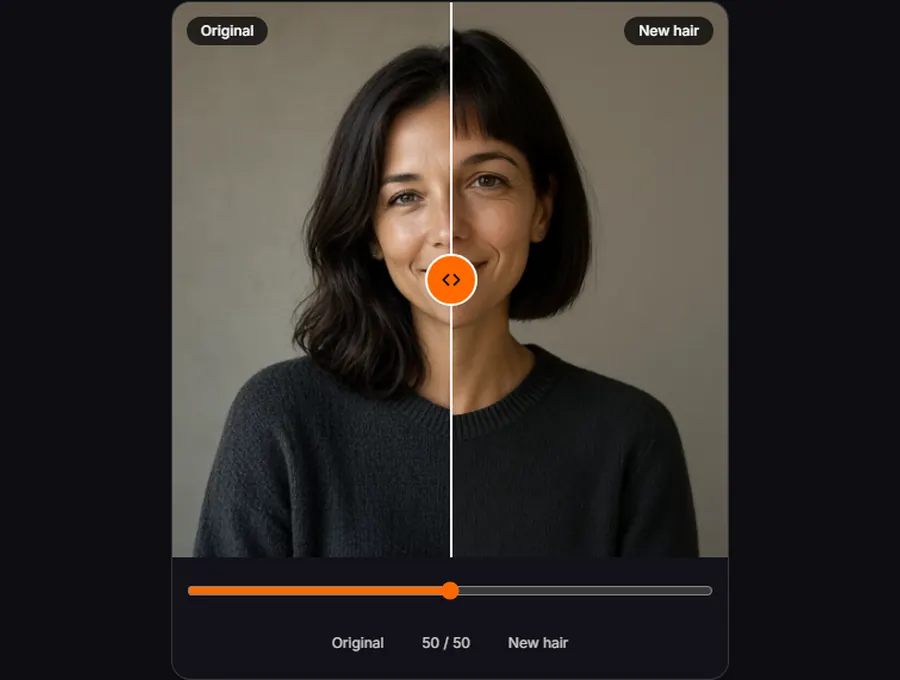
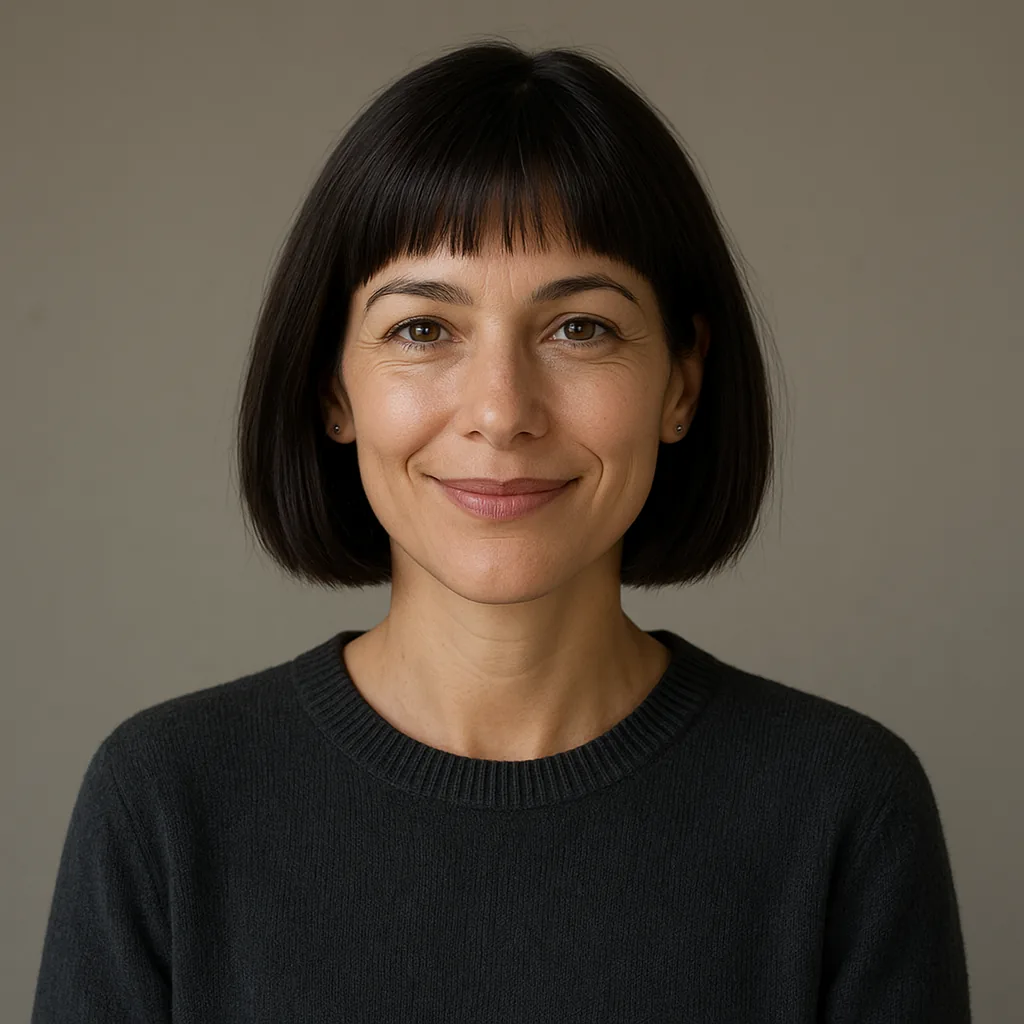
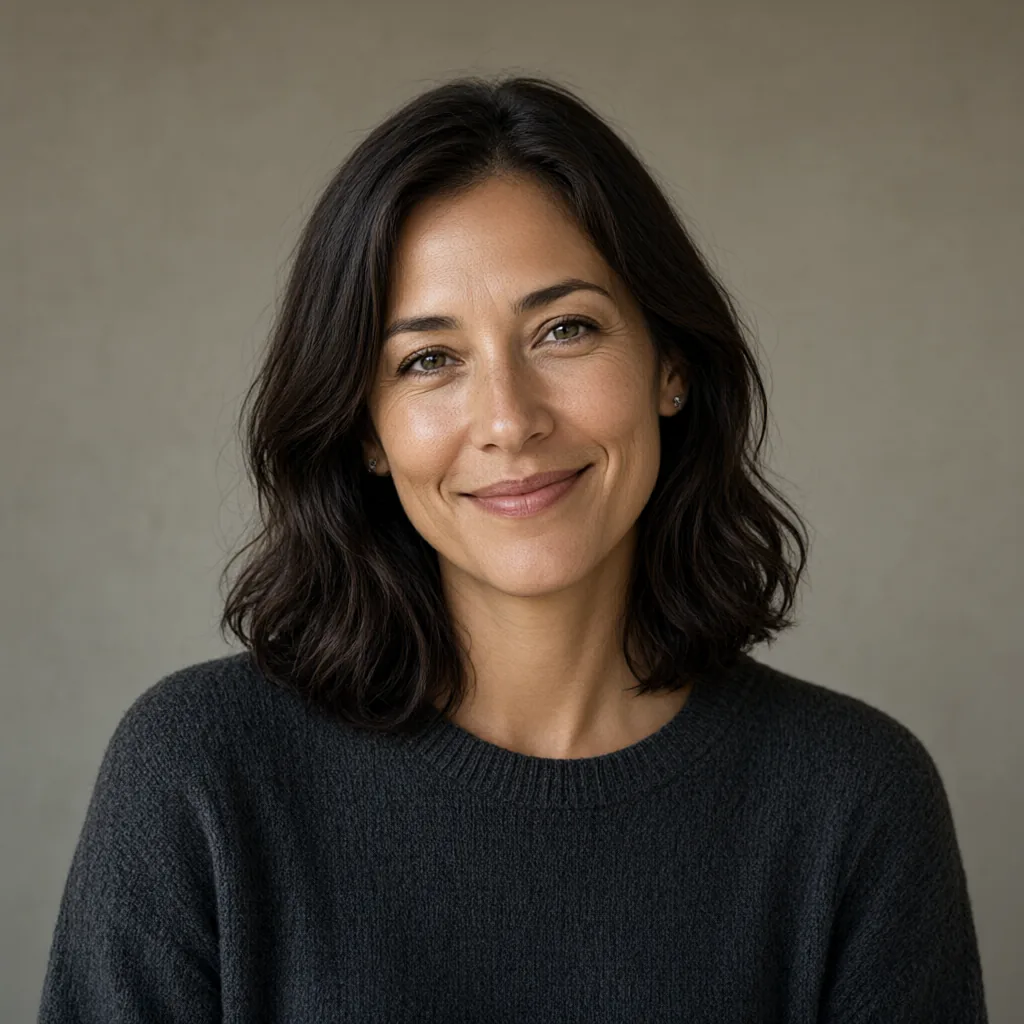
Chin-length bob preview, actual model output
Synthetic female portrait before the hairstyle edit
OriginalNew hair

Chin-length bob

A chin-length bob versus your current length

One portrait, one requested cut: the shoulder-length original becomes a blunt bob ending at the jawline, so you can judge how the shorter frame changes the read of the face — on this face, not a catalog model. The eyes, expression and sweater stay put; look at the hairline and jaw when you compare. This is a recorded edit of a synthetic reference, generated by the editing model behind this page.
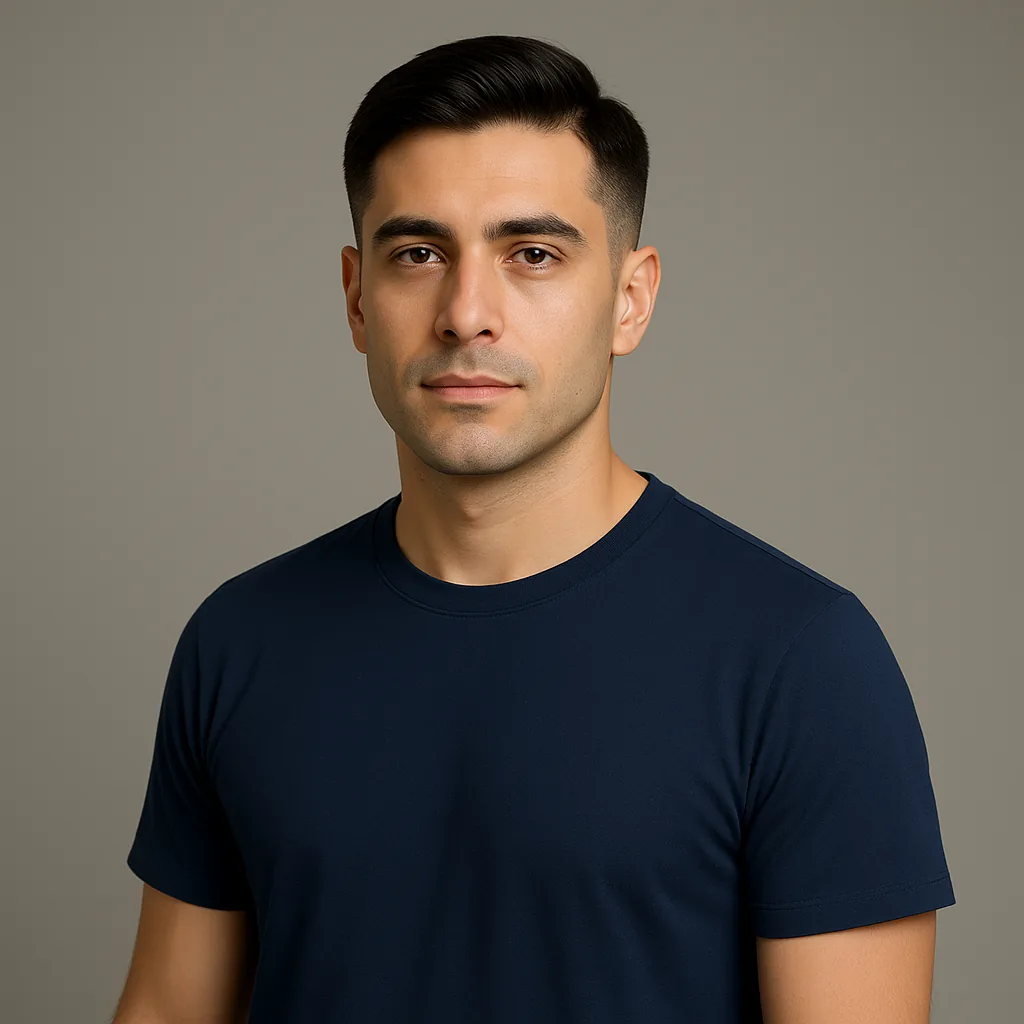
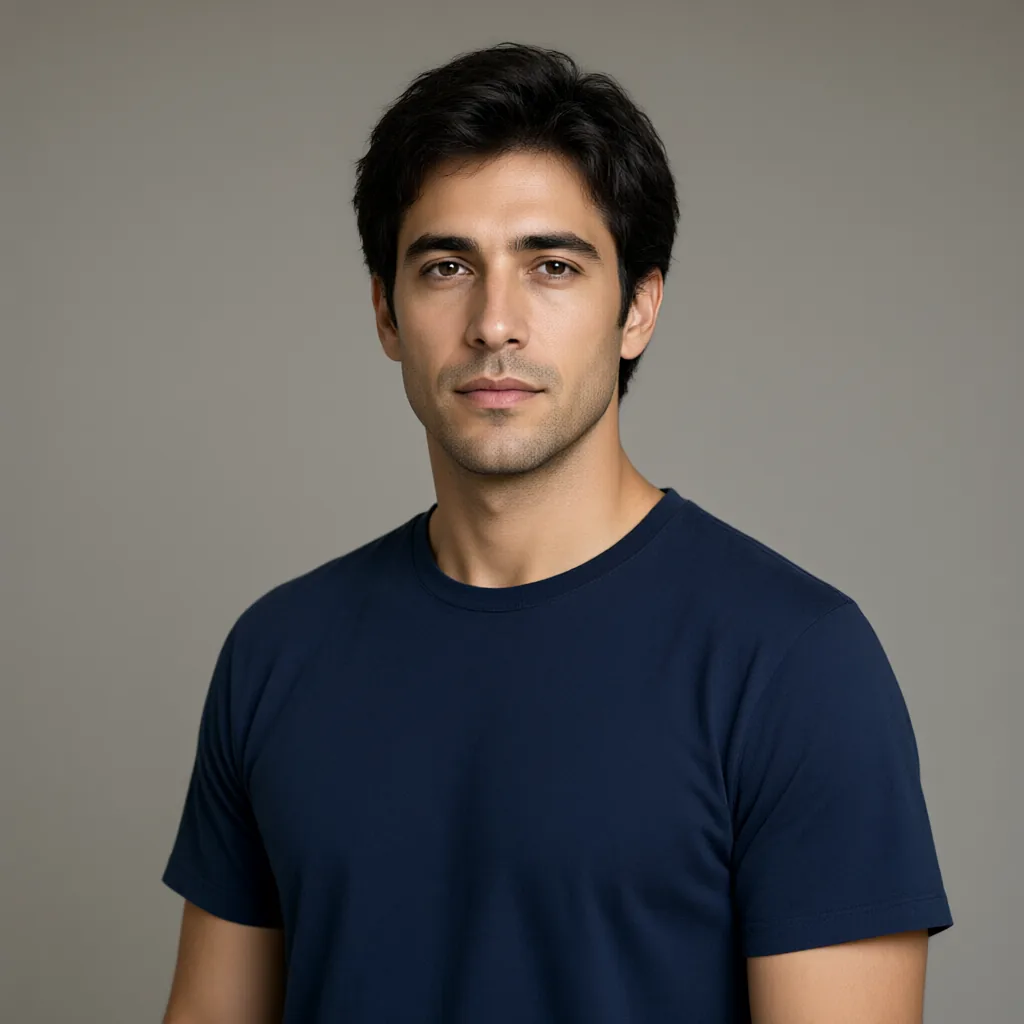
Classic taper preview, actual model output
Synthetic male portrait before the hairstyle edit
OriginalNew hair

Classic taper

A classic taper on the same head

For short hair the interesting difference is the silhouette: the grown-out original becomes a tidy, office-compatible taper with clean back and sides. The ears and neckline stay visible, which is exactly where you should check an AI edit — if sideburns or the hairline drift, regenerate. Consistent small details are the sign of a usable preview.

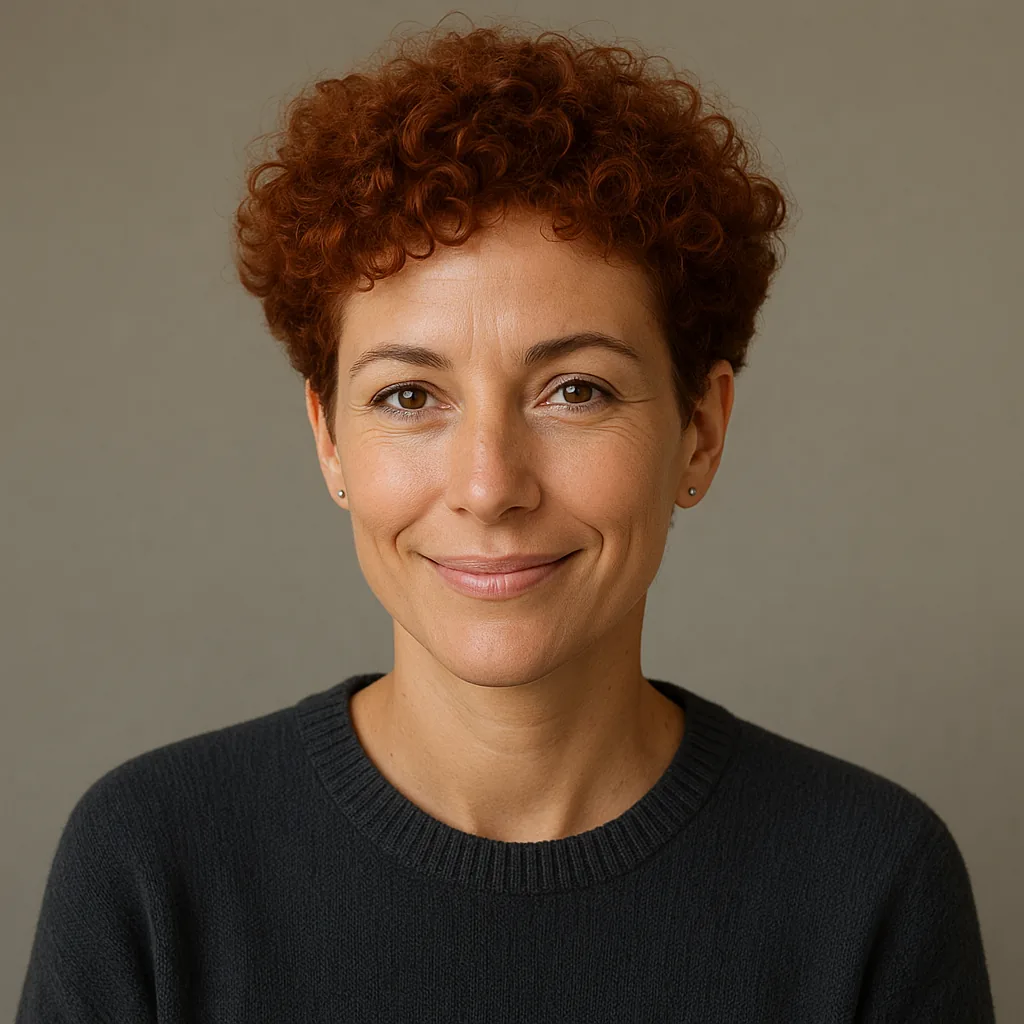
Curly top preview, actual model output
Synthetic female portrait before the hairstyle edit
OriginalNew hair

Curly top

Curls and copper color on one reference

Texture and color are the two changes people find hardest to imagine on themselves. Here the same portrait gets defined curls with shorter sides and a warm copper color in one request, while the face and sweater stay put — any difference you notice belongs to the hair. Keep the color switch subtle if you want the preview to stay believable for a real salon visit.

How to try hairstyles on your photo

  1. 1Portrait upload input with the look and hair color control

    Upload one clear portrait

    Drop, paste or select one JPG, PNG or WebP up to 10MB. A front-facing photo with the hairline visible works best; hats, heavy shadows or hair covering the face leave the model guessing. You can replace the photo in the input at any time to try the same cut on another picture.

  2. 2The look picker open with Men and Women tabs and twenty same-face thumbnails

    Choose the shape and the color

    Open Look inside the input card, pick the men’s or women’s gallery and choose from twenty cuts in each — a classic taper or skin fade on one side, a chin-length bob or wolf cut on the other. Switch the hair color too — jet black, chestnut, honey blonde, copper, silver or platinum — or keep your own. The look and color supply the instructions; the optional note is for one specific wish, like keeping a fringe.

  3. 3The preview panel comparing the original portrait with the new hairstyle

    Compare your face, then download

    Generate once and drag the divider to check your face, glasses and clothing against the original. Look at the hairline and ears where edits are most visible. Download PNG, JPG or WebP without another model call; changing the look afterward starts a new, separately priced generation.

Preview a look before a haircut

Compare cuts on your own photo

Forty looks (twenty per gallery) and seven colors are requested against the portrait you upload, not a catalog of different faces. The input keeps your photo and note while you switch looks, so comparing a taper against a bob costs you nothing but the second generation.

The face is the point

The edit instruction asks the model to keep your face shape, features, glasses, clothing and background, and to change only the hair. That request is also your checklist: drag the comparison over the eyes, ears and collar before trusting the new cut. An edit that changes your face is a failed edit, and you can see it immediately.

Know what a preview is worth

The model and final button show the credit price before you generate, and one clear result is usually enough to judge a direction. Downloading, comparing full-screen and switching formats never spends another credit. There is no claim that a barber can reproduce the image exactly — it is a planning aid, not a promise.

Check face and hairline details before you decide

AI hairstyle try-on edits a photo; it does not cut hair. Results are one model’s interpretation, so the same look can differ between runs, and heavily occluded hair (hats, hands, extreme side angles) degrades the edit. The model is asked to preserve the face and everything outside the hair, but no AI edit is pixel-guaranteed — always inspect the result. The preview does not predict how a specific barber, hair density or growth pattern will reproduce the cut, and it is not a live AR mirror. Use one clear, front-facing portrait with the full hairline visible.

Where to look first

The hairline at the forehead and temples, the ears, and the neckline: these edges reveal whether the edit respected your head shape or painted hair onto a generic one. Then check the eyes and mouth against the original — they should be exactly yours. A face that feels “better” than your photo usually means the model beautified it; treat that result as a failed preview.

If the first edit misses

Use a more front-facing photo with the whole hairline visible, and keep the note to one instruction. Regenerate rather than stacking requests — “shorter, and also bangs, and keep it wavy” gives the model three competing jobs. If a result fails to load, its loading retry rereads the saved image; it does not redraw it. Your uploaded portrait stays private to your account.

Every editor below works on your own photo. Compare what each one changes, then open the tool that fits your project.

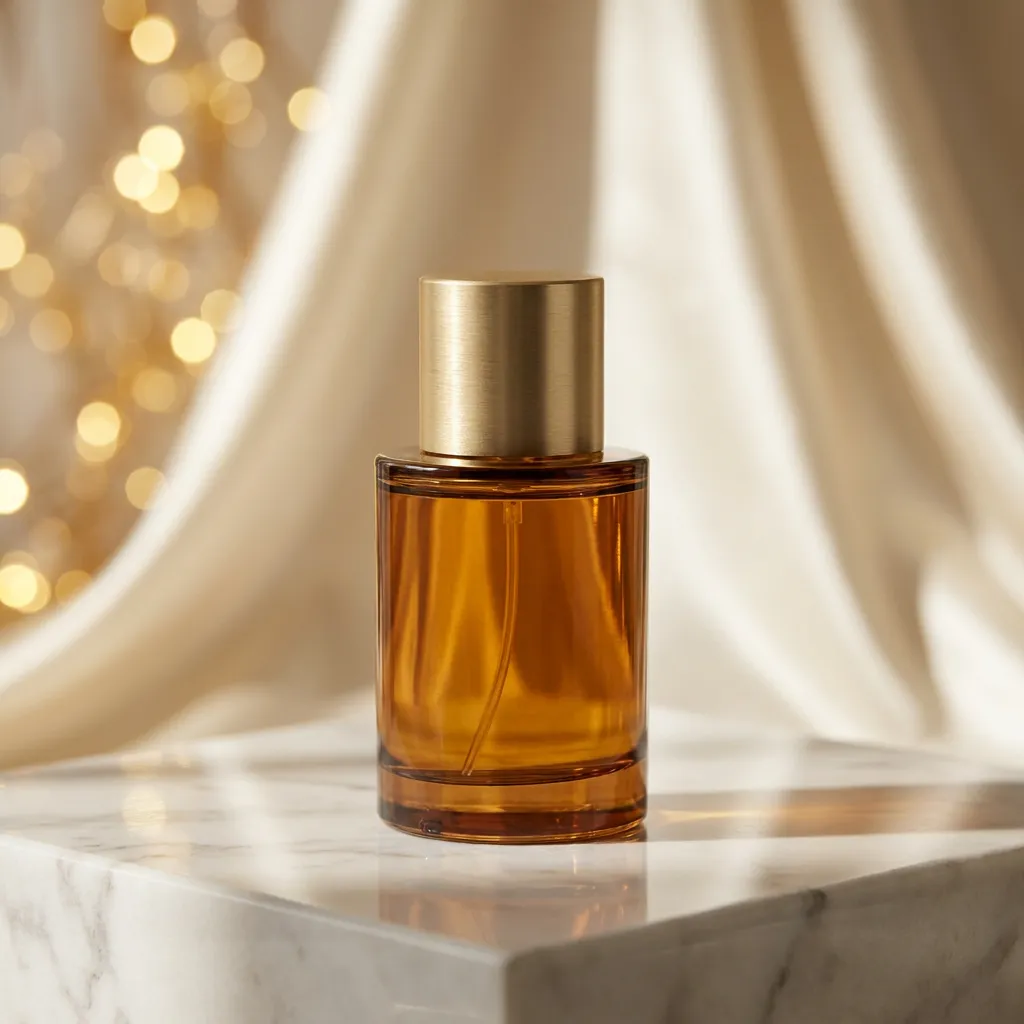
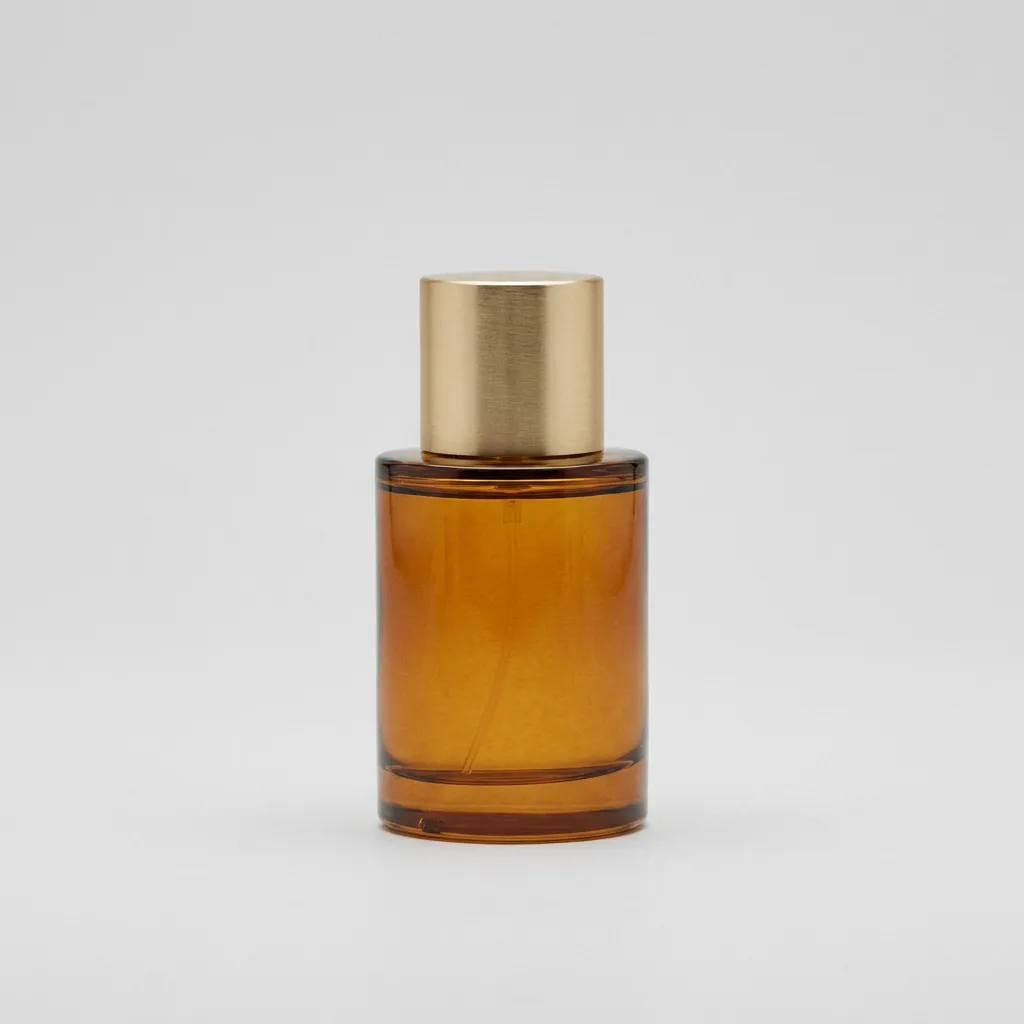
Perfume in a styled scene, actual model edit
Synthetic perfume reference before scene editing
OriginalEdited

Continue with your photo

Explore Image to Image AI

Edit a product scene, an outfit or the atmosphere in a photo with a focused instruction. Use your reference as the starting point and compare the available editing models before generating.

Drag to inspect the recorded edit. These are synthetic demonstration references.

Go to Image to Image AI
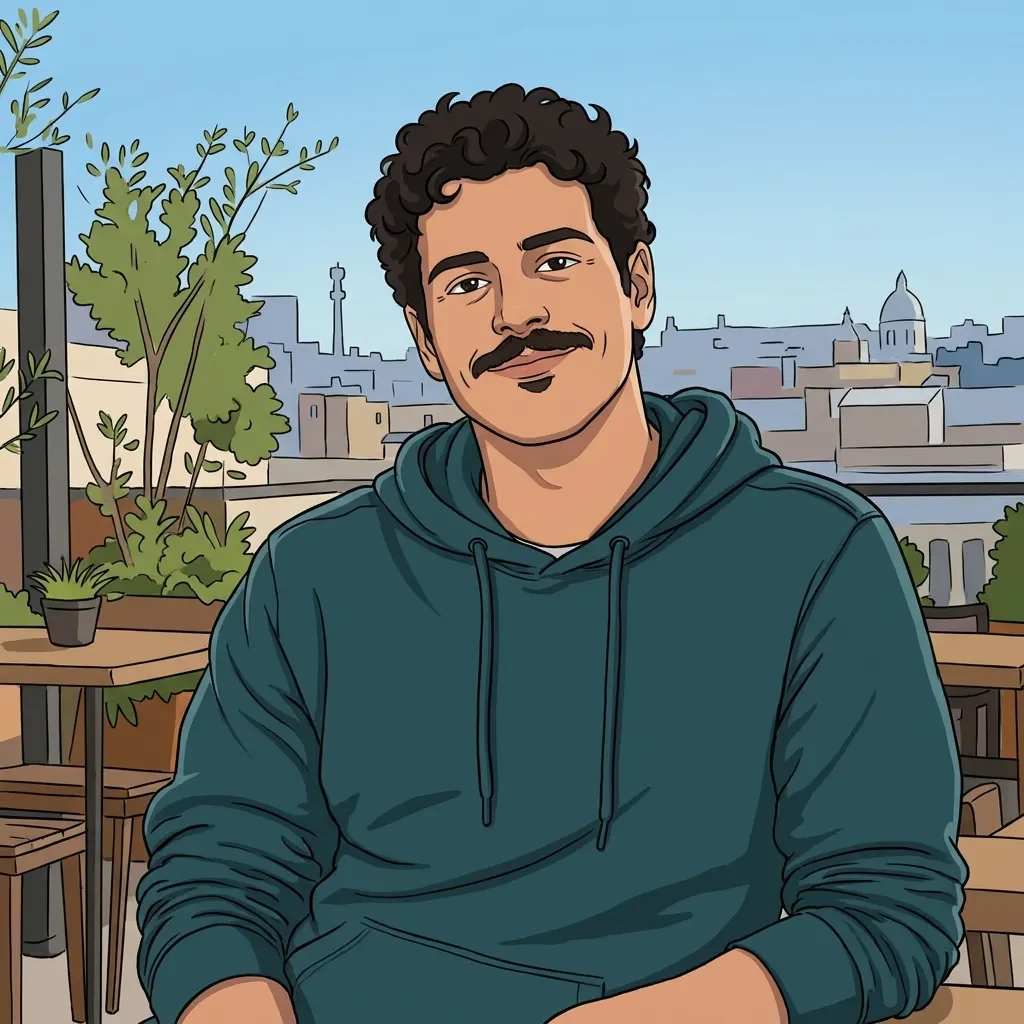
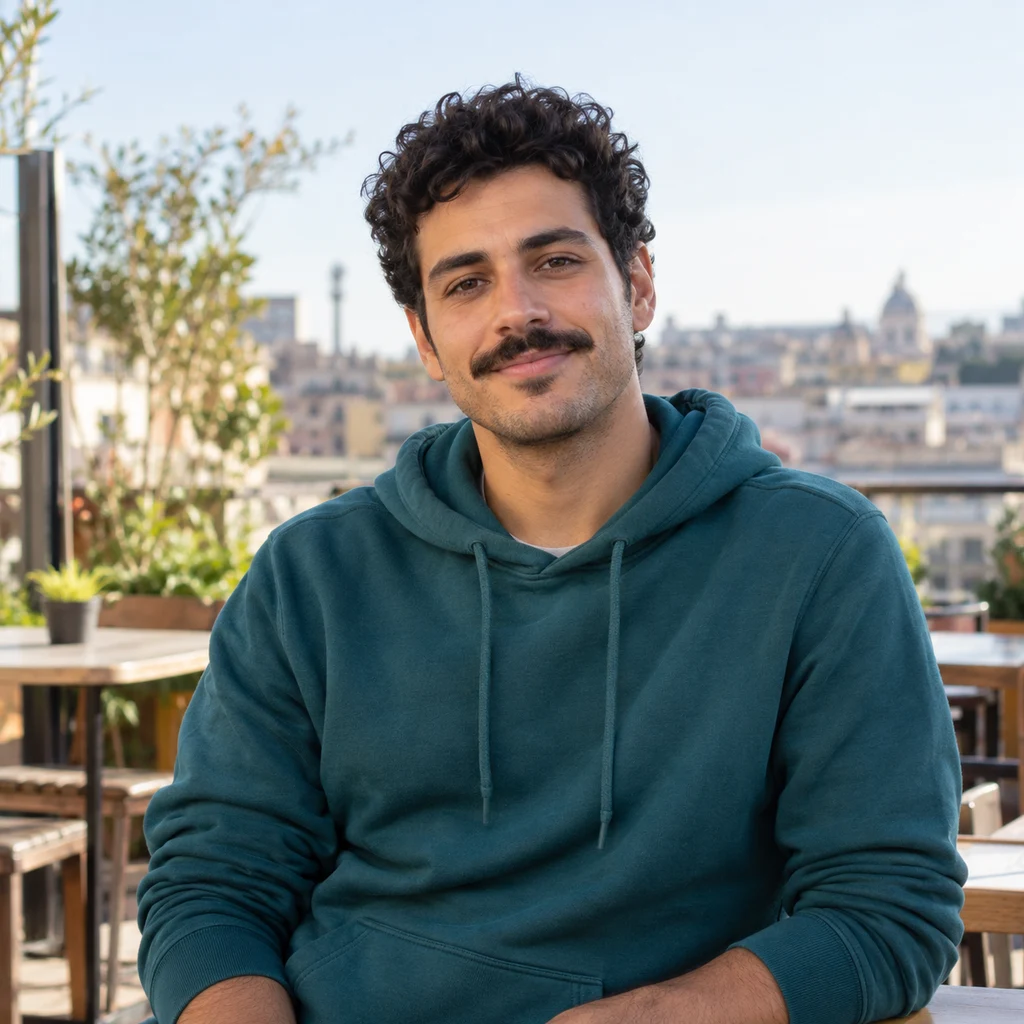
Image to Cartoon AI, actual model output
Synthetic demonstration portrait before artistic conversion
OriginalCartoon

Continue with your photo

Image to Cartoon AI

Compare twenty-four original cartoon treatments on the same reference. Give a portrait, pet or family photo a drawn character look, inspect the result and download your favorite version.

Drag to inspect the recorded edit. These are synthetic demonstration references.

Open Image to Cartoon AI

AI Hairstyle Changer FAQ

Can it change only the hair and keep my face, glasses and clothes?

That is exactly what the edit instruction requests: the hair changes while the face shape, features, skin tone, glasses, clothing, pose and background stay as they are. Inspect the comparison anyway — AI edits are not pixel-guaranteed, and the hairline, ears and collar are the places where a drift shows first.

Can I change the hairstyle and the hair color at the same time?

Yes. Choose a look and a color in the same input card; both go into one generation. Seven colors are available — jet black, chestnut brown, honey blonde, copper red, silver gray and platinum, plus "keep my color" when you only want the cut.

What if my photo is a side view or my hair covers my face?

The edit quality drops. The model works best with a clear front-facing portrait where the whole hairline is visible; hair hidden under a hat or falling across the face leaves it guessing at the shape underneath. Use the note to describe what should happen to the covered areas, and expect to try a second generation.

Will the result match what the barber actually does?

Not exactly, and no honest tool promises that. The preview shows a plausible version of a cut on your head shape and color; real results depend on your hair density, growth pattern and the barber. Treat it as a communication aid — save the version you like and show it, rather than expecting a photographic prediction.

How much does AI Hairstyle Changer cost?

Each generation is priced in credits and shown on the button before you commit; the economical model is selected first. If your one-time free preview is still available you can run one edit without an account. Downloads, comparisons and format changes use the already generated image and cost nothing.

Is this a live camera try-on?

No. This is a static photo editor: you upload one portrait and get back edited still images. There is no live video feed, no AR mirror and no hair physics — just a comparable before/after you can inspect at your own pace.

Why was my generation blocked by content review?

Every generated result passes an automated safety review before it is shown or charged. A hairstyle edit keeps most of the original photo, so an unlucky crop, framing or skin-heavy portrait can occasionally trip the filter by mistake. When it happens your credits for that image are refunded automatically. Try a photo with more clothing visible and the whole face clearly in frame, then generate again; repeated blocks on the same photo usually mean the reference itself is the trigger.

More ways to work with your photo

Personal uploads remain private; public examples use synthetic references. This page edits still photos — it is not a live camera or AR try-on.

Try a hairstyle on your own photo

Upload one clear portrait, pick a cut and a color, and judge the result against your own face before downloading it.